Wi-Fi 6 is a newer wireless standard designed to improve speed, efficiency, and performance compared to Wi-Fi 5. It can handle multiple connected devices more effectively, which is useful in homes with phones, laptops, smart TVs, and other smart devices. Wi-Fi 6 may also provide lower latency for gaming and video calls while offering better power efficiency on supported devices. It is generally backward compatible with older Wi-Fi devices, but you need Wi-Fi 6 support on both the router and device to get the full benefits. If your current Wi-Fi 5 network works well, upgrading may not always be necessary.
1. Speed and Overall Performance
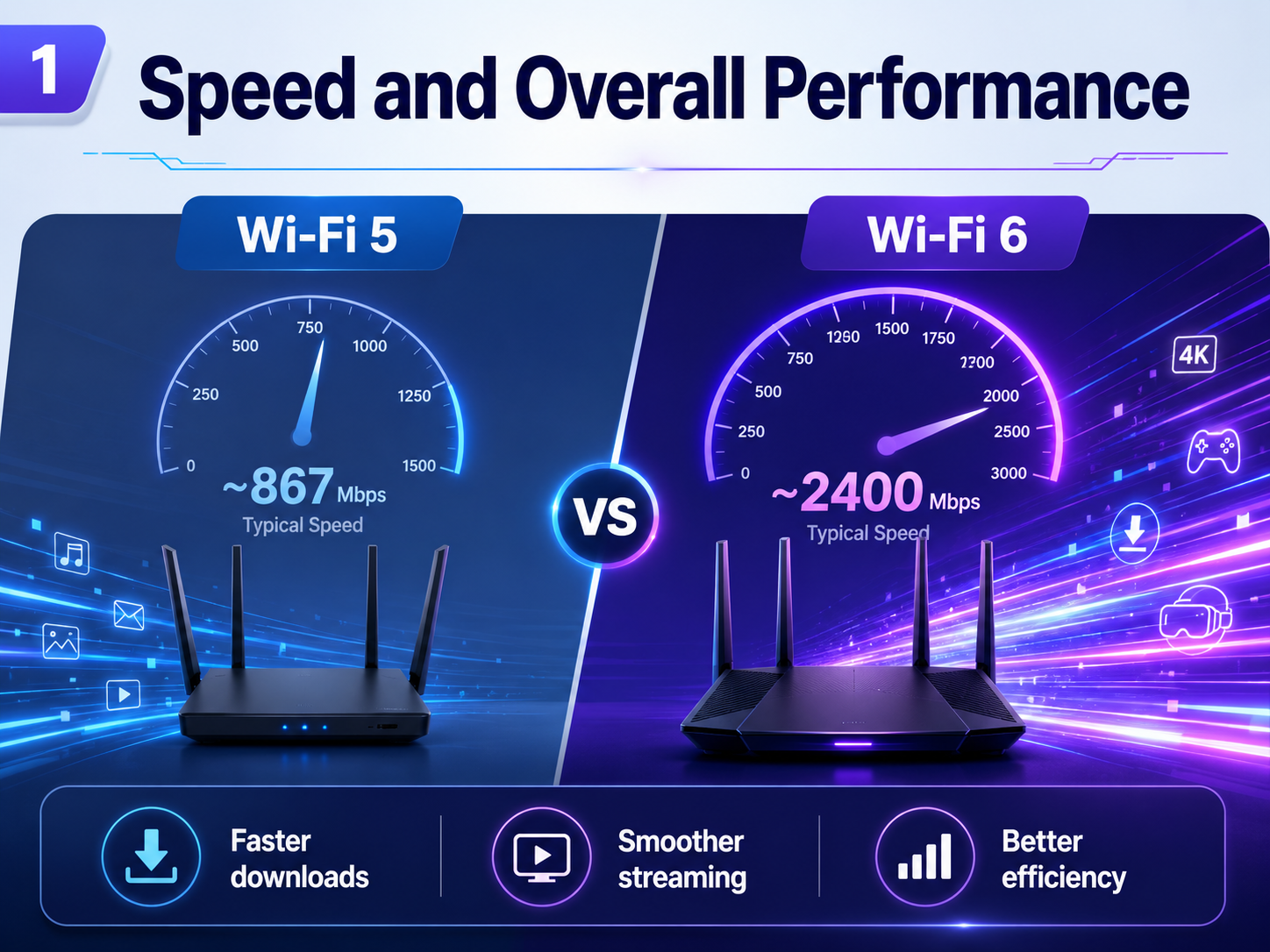
One of the biggest differences between Wi-Fi 5 and Wi-Fi 6 is speed and overall network performance. Wi-Fi 5, also known as 802.11ac, is still fast enough for normal browsing, streaming, and everyday internet use. However, Wi-Fi 6, also called 802.11ax, was designed to handle modern networks more efficiently.
Wi-Fi 6 can offer higher theoretical speeds than Wi-Fi 5, especially when both the router and connected device support the newer standard. In real-world use, the improvement may not always look dramatic on a single device, because your internet plan, distance from the router, interference, and device hardware also affect performance.
The real advantage of Wi-Fi 6 is efficiency. It can move data more effectively and reduce congestion, which helps maintain smoother speeds when the network becomes busy.
If you regularly download large files, stream high-resolution video, play online games, or use several devices at the same time, Wi-Fi 6 can provide a more responsive experience.
For basic users, Wi-Fi 5 may still be perfectly usable. But for newer devices and faster internet connections, Wi-Fi 6 offers better performance and is a more future-ready option.
2. Performance with Multiple Connected Devices
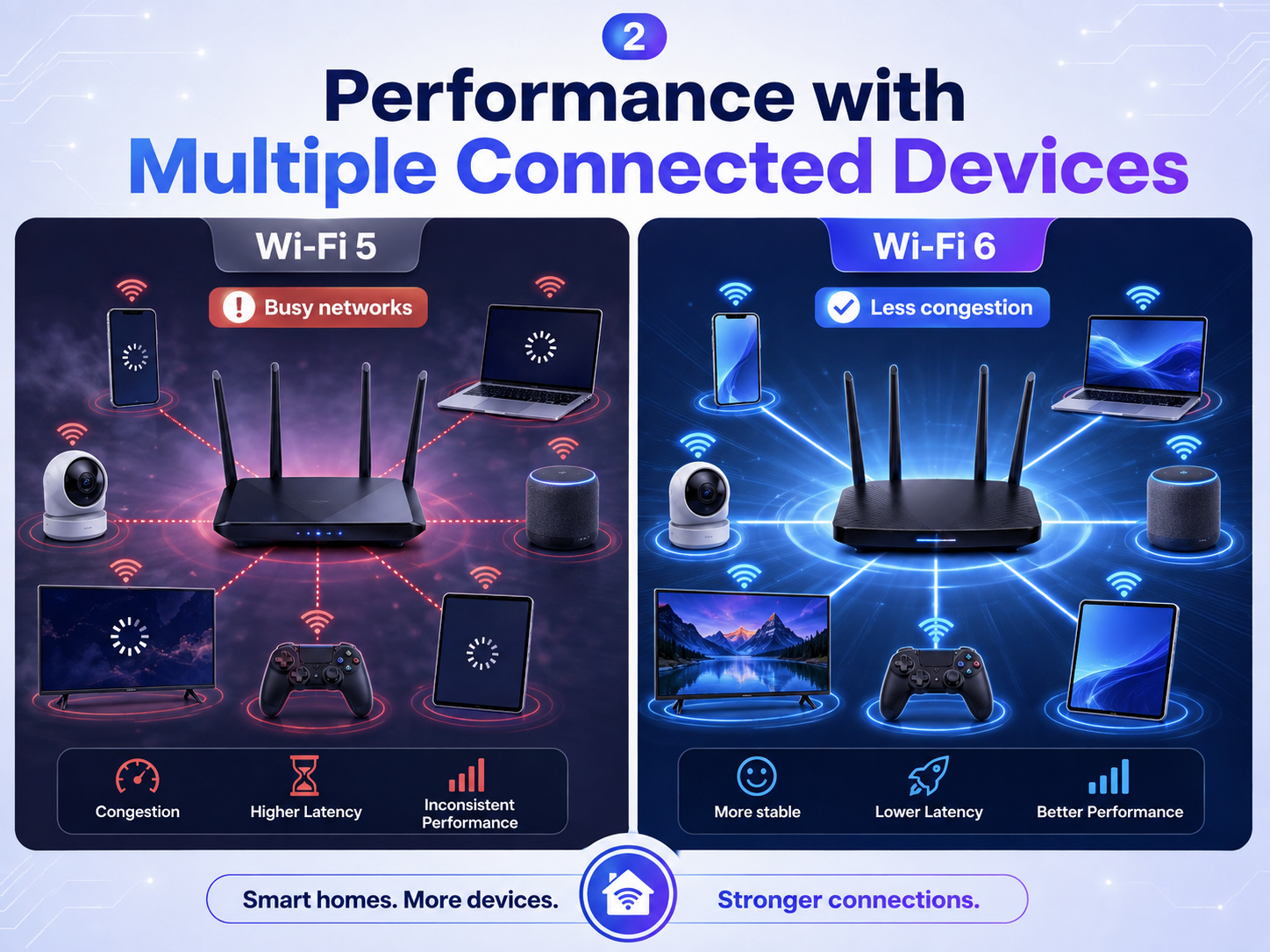
Modern homes often have far more connected devices than they did a few years ago. Smartphones, laptops, smart TVs, security cameras, speakers, tablets, gaming consoles, and smart home devices can all share the same Wi-Fi network.
Wi-Fi 5 can handle multiple devices, but performance may drop when many of them are actively using the network at the same time. This can lead to slower downloads, buffering, or inconsistent connections.
Wi-Fi 6 was specifically designed to manage busy networks more efficiently. Technologies such as OFDMA allow the router to divide a wireless channel into smaller sections and communicate with multiple devices more effectively.
Wi-Fi 6 also improves how multiple devices share network resources, reducing the amount of time they spend waiting for access.
This does not mean that every Wi-Fi 6 network will automatically be faster. Router quality, internet speed, interference, and device support still matter. However, when many compatible devices are connected, Wi-Fi 6 can provide a more stable and organized network.
For a home with only a few devices, Wi-Fi 5 may still work well. But for families, offices, smart homes, or anyone with many connected devices, Wi-Fi 6 can offer a noticeable improvement in network efficiency.
3. Latency and Gaming Experience
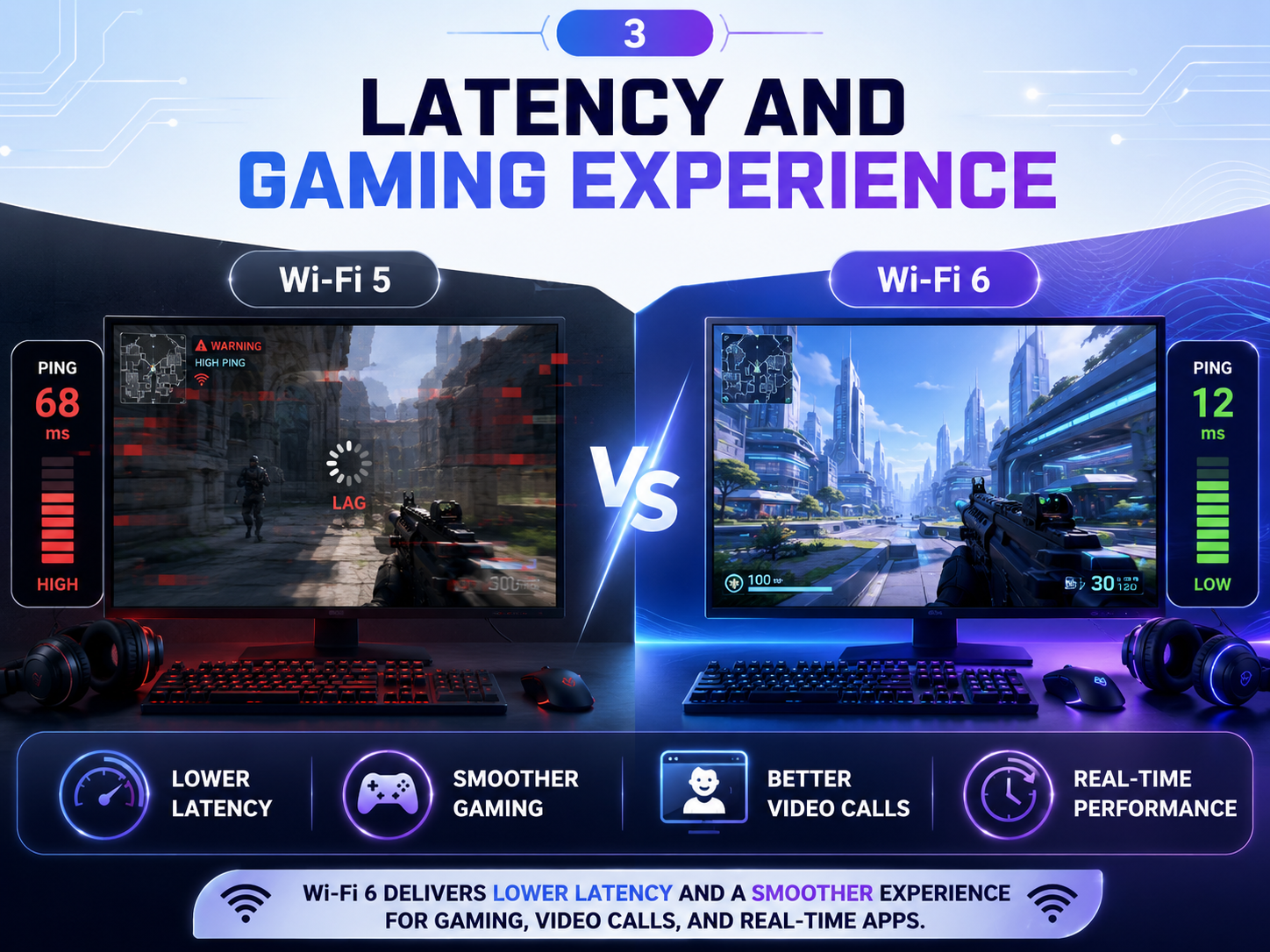
Internet speed is important for gaming and video calls, but latency is just as important. Latency refers to the delay between sending a request and receiving a response. Higher latency can cause lag, delayed actions in games, or interruptions during online calls.
Wi-Fi 6 was designed to improve wireless efficiency, especially on busy networks. When several devices are sharing the same connection, Wi-Fi 6 can manage traffic more efficiently than Wi-Fi 5, which may help reduce delays.
This can be useful for online gaming, cloud gaming, video conferencing, and other real-time activities where a stable connection matters.
However, Wi-Fi 6 does not automatically guarantee lower ping in every situation. Your internet provider, distance from the server, router placement, interference, and internet connection type can all affect latency.
For the lowest and most consistent latency, a wired Ethernet connection is still often the best choice for gaming. But if you prefer wireless connectivity, a good Wi-Fi 6 router paired with a compatible device can provide a smoother experience than an older Wi-Fi setup.
Users with busy home networks are likely to notice the biggest benefit, because Wi-Fi 6 is better at managing multiple devices without allowing one device to slow down the entire network.
4. Battery Efficiency and Device Power Usage
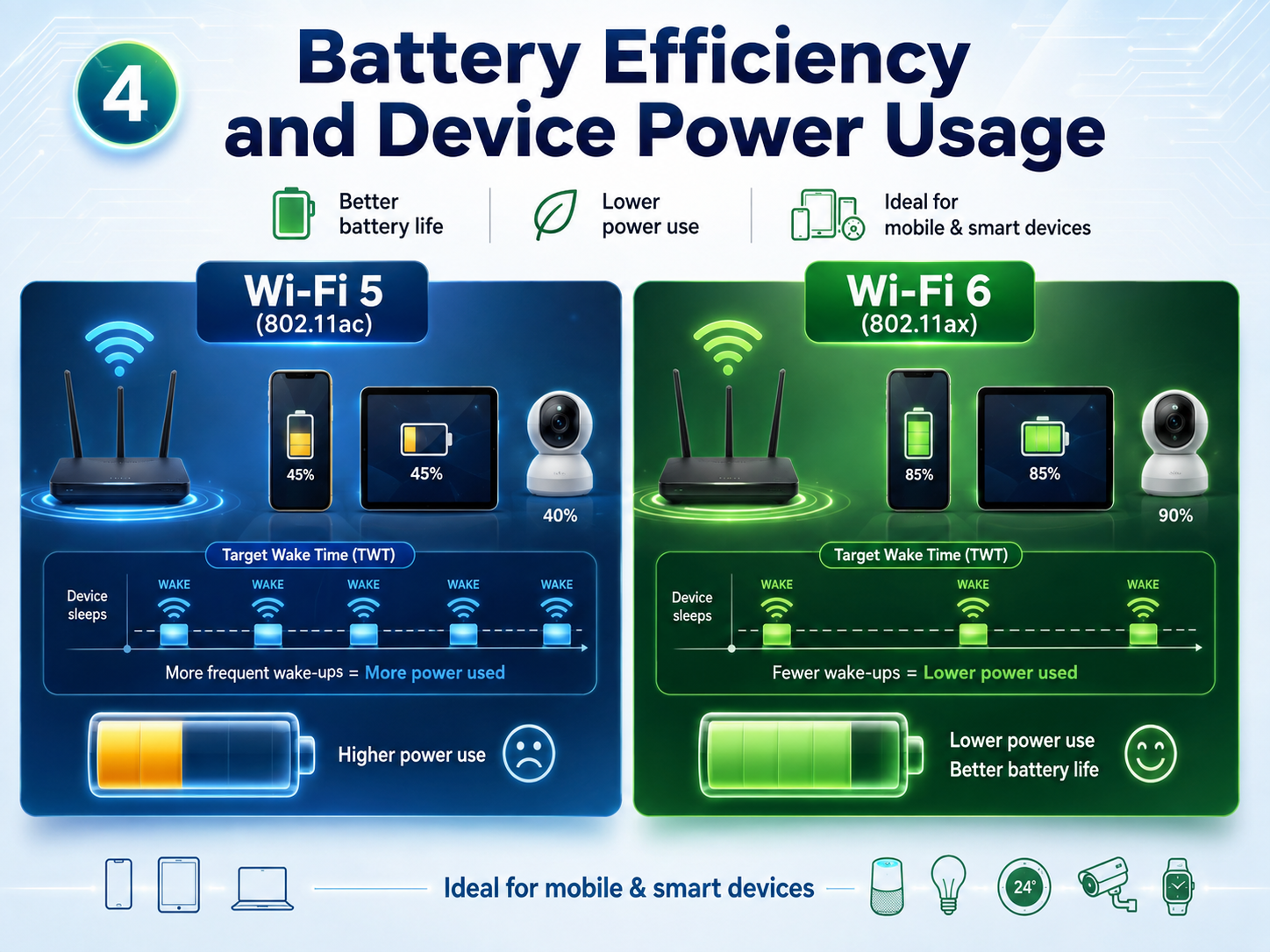
Wi-Fi 6 is not only designed for speed. It also includes features that can help compatible devices use power more efficiently.
One of these features is called Target Wake Time, or TWT. It allows a Wi-Fi 6 router and supported device to schedule when the device needs to wake up and communicate with the network.
Instead of keeping the Wi-Fi radio active all the time, a device can remain in a low-power state for longer periods and connect when necessary. This can be particularly useful for battery-powered devices such as smartphones, tablets, smart sensors, and Internet of Things devices.
The improvement will depend on the device and how it is used. You should not expect switching to Wi-Fi 6 to suddenly double your laptop or phone battery life. Many other components, such as the display, processor, background apps, and mobile signal, also consume power.
Still, Wi-Fi 6 provides a more efficient framework for devices that support these features.
For a normal laptop or smartphone, the battery difference may be relatively small. In a smart home with many low-power connected devices, however, improved power management can be more valuable.
This makes Wi-Fi 6 better suited for modern networks with a growing number of wireless devices.
5. Compatibility and Whether You Should Upgrade
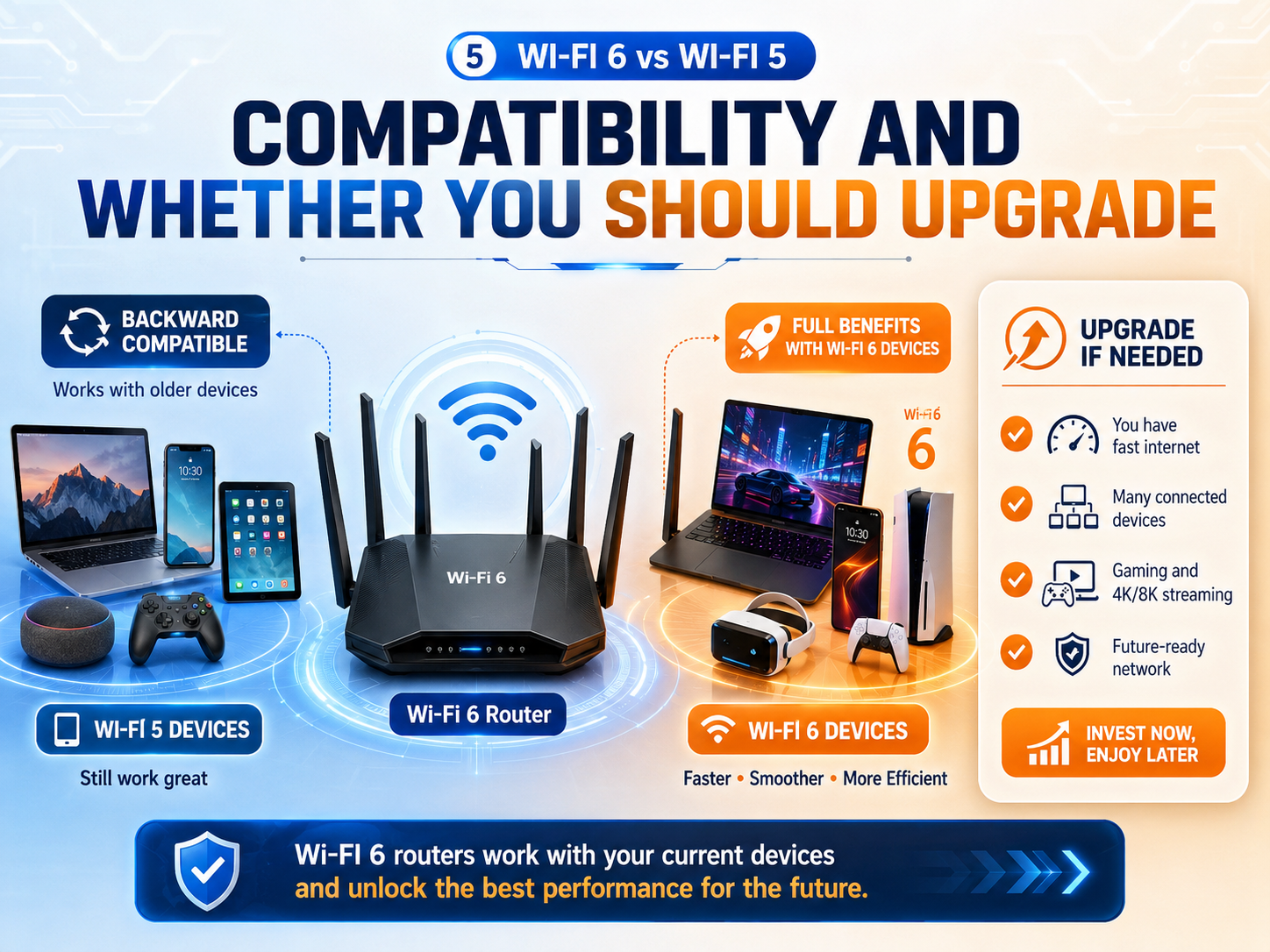
One important question is whether you actually need to replace your Wi-Fi 5 router with a Wi-Fi 6 model. The answer depends on your current devices, internet connection, and network usage.
Wi-Fi 6 routers are generally backward compatible, which means older Wi-Fi 5 devices can still connect to them. However, an older device will continue using the Wi-Fi standard it supports and will not receive all the benefits of Wi-Fi 6.
To take full advantage of Wi-Fi 6, both your router and the device connecting to it should support Wi-Fi 6.
If your current Wi-Fi 5 network is stable, your internet plan is relatively modest, and you only use a few devices, upgrading may not make a major difference.
On the other hand, Wi-Fi 6 can be worth considering if you have a fast internet connection, many connected devices, newer smartphones or laptops, or regularly experience congestion on your existing network.
It is also a sensible choice when buying a new router because it gives you better support for newer devices.
You do not need to replace working equipment simply because a newer standard exists. But for a busy modern household, Wi-Fi 6 offers better efficiency and more room for future devices.
Disclaimer
The information provided in this article is for general educational and informational purposes only. Wi-Fi speed, coverage, latency, battery efficiency, and overall performance can vary depending on your router, device compatibility, internet plan, network congestion, interference, and home or office environment.
Wi-Fi 6 may provide better performance than Wi-Fi 5 in many situations, but results will not be the same for every user. Before buying a new router or upgrading your network, check whether your devices support Wi-Fi 6 and whether an upgrade is actually necessary for your needs.
We are not responsible for connection issues, compatibility problems, data loss, or expenses that may result from changes made based on this guide. For advanced network problems, consider contacting your internet service provider or a qualified network technician.