Before entering your password on any website, check the URL carefully for spelling mistakes, extra words, or unusual domains. Do not trust HTTPS or the padlock icon alone, because fake websites can also use them. Watch for poor design, urgent warning messages, strange login requests, or requests for OTPs and recovery codes. If anything feels suspicious, open the official website manually, use a saved bookmark, or verify the service through its official app before signing in.
1. Check the Website URL Carefully
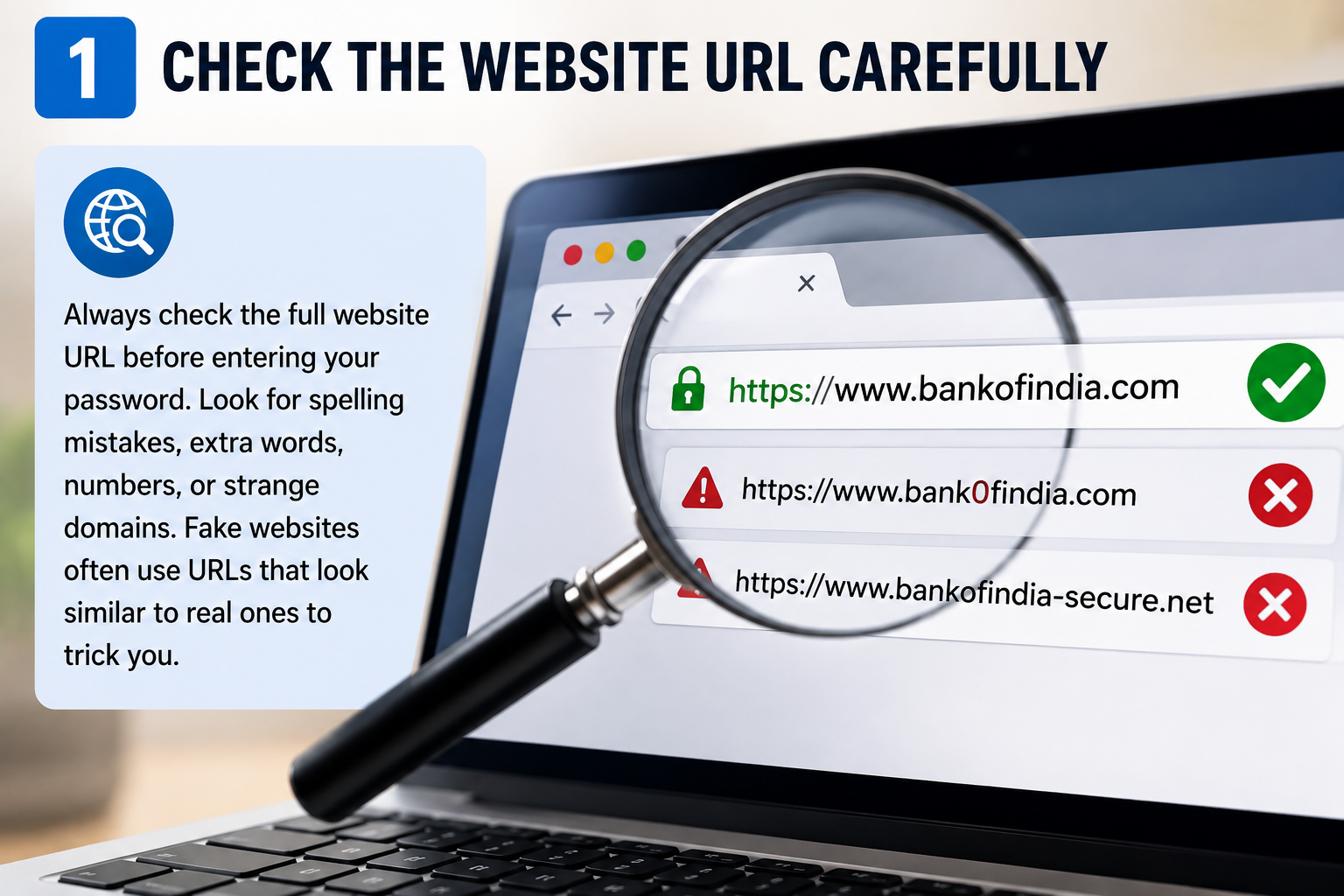
One of the easiest ways to identify a fake website is to check the web address before entering your password. Scammers often create websites that look almost identical to popular services, but the domain name is slightly different.
For example, a fake website may replace one letter with another similar-looking character, add extra words, use a strange subdomain, or include unnecessary numbers. A domain that looks familiar at first glance may actually belong to a completely different website.
Always read the full domain name carefully, especially before signing in to banking, email, shopping, social media, or cloud storage accounts. Pay attention to what appears immediately before the main domain ending such as .com, .in, or .org.
Be especially careful when opening links from emails, text messages, social media posts, or messaging apps. A link can display familiar text while sending you to a different destination.
If you receive a message asking you to log in urgently, it is usually safer to open your browser and type the official website address yourself instead of clicking the provided link.
You can also bookmark websites that you use regularly. This reduces the chance of accidentally visiting a lookalike domain later.
Do not assume that a professional-looking page belongs to the real company. Modern fake websites can copy logos, colors, login forms, and even complete layouts from legitimate websites.
The domain name is therefore one of the most important things to verify. A few extra seconds spent checking the address can prevent you from giving your username and password to a phishing website.
2. Look for Security Signs, but Don’t Trust HTTPS Alone
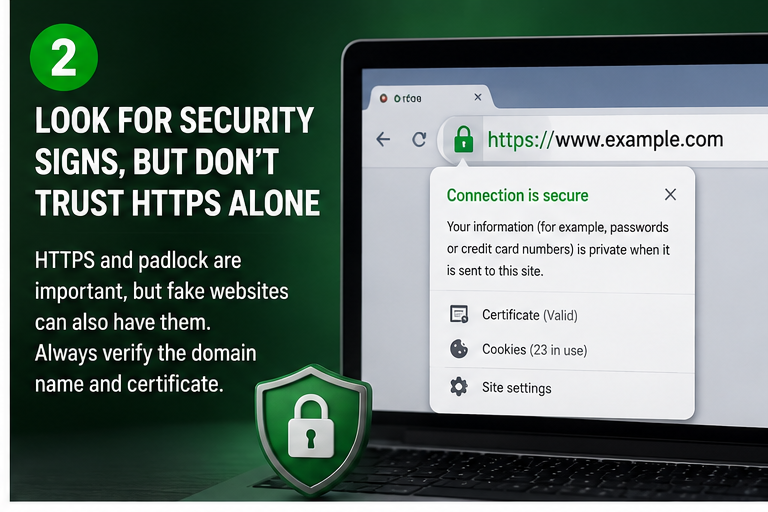
Many people believe that a padlock icon or HTTPS automatically means a website is safe. HTTPS is important because it encrypts the connection between your browser and the website, but it does not prove that the website itself is trustworthy.
A fake or phishing website can also use HTTPS. Obtaining an SSL certificate has become relatively easy, so scammers can create encrypted websites that still exist for the purpose of stealing passwords or personal information.
This means you should treat HTTPS as one security signal, not as complete proof of legitimacy.
Before entering sensitive information, check both the website address and the connection status. Make sure the domain is exactly the one you intended to visit.
Your browser may also warn you when a certificate is invalid, expired, or does not match the website. Do not ignore these warnings, especially on login or payment pages.
However, the absence of a warning does not automatically mean everything is safe.
You should also be cautious when a website asks you to download unusual certificates, browser extensions, security tools, or software before logging in. Legitimate services generally do not require random downloads just to access a normal account.
Another useful habit is to compare the website with the official source. If something looks unusual, open the company’s official app or manually navigate to its known website.
Security works best when multiple signs agree: the correct domain, an encrypted connection, a familiar website, expected behavior, and no suspicious requests.
HTTPS protects data while it travels across the internet, but it cannot tell you whether the person receiving that data is legitimate. That is why checking the domain and context remains essential before entering your password.
3. Watch for Poor Design, Urgent Messages, and Suspicious Login Requests
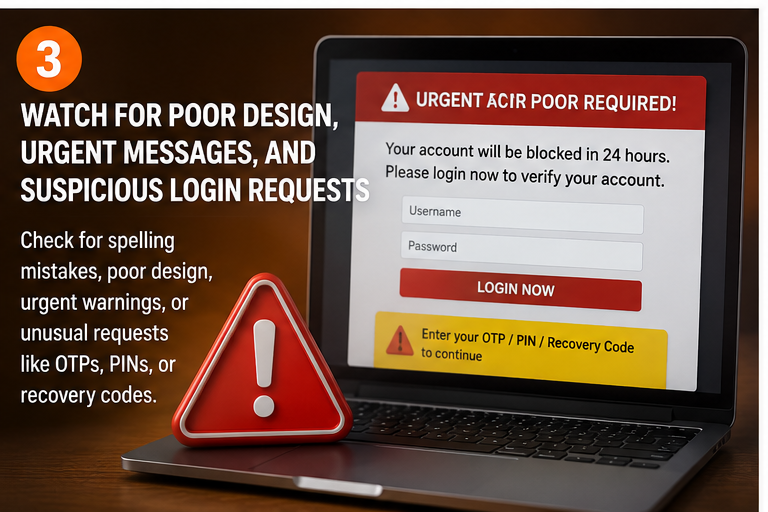
Fake websites often try to make users act quickly before they have time to think. Messages such as “Your account will be suspended,” “Verify your identity immediately,” or “You have five minutes to log in” are common phishing tactics.
Urgency alone does not prove that a website is fake, but it should make you more cautious.
Look at the overall quality of the page. Warning signs may include spelling mistakes, awkward grammar, broken images, unusual fonts, inconsistent logos, or buttons that do not work properly.
Some phishing sites are highly polished, so a professional design should not be treated as proof of safety either.
Pay close attention to what information the website is requesting. A normal login page may ask for your username and password, but you should question unexpected requests for your PIN, recovery codes, full payment card details, security answers, or one-time passwords.
Never share a one-time password or authentication code simply because a website suddenly requests it. These codes are often used to complete sensitive account actions.
Fake websites may also show countdown timers, security warnings, fake virus alerts, or pop-ups designed to create panic.
If you feel pressured, close the page and access the service through its official website or app.
Another warning sign is when clicking different menu items always sends you back to the same login form. This can indicate that the rest of the website is only a visual copy created to collect credentials.
Trust your observations. If the page looks different from what you normally see, asks unusual questions, or creates unnecessary pressure, do not enter your password.
Verifying the website first is much easier than recovering an account after your login details have been stolen.
4. Verify the Website Before Logging In
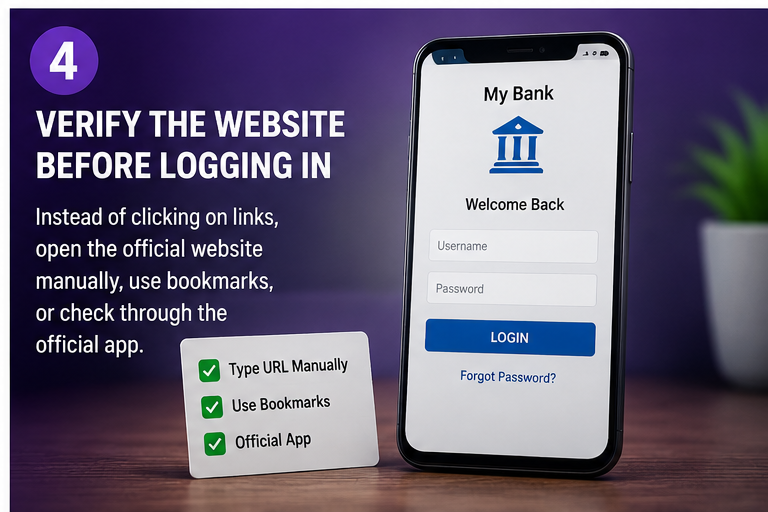
The safest approach when you are unsure about a website is to verify it before entering any login information. Instead of using a link from an email, text message, social media post, or advertisement, manually type the official website address into your browser.
If you already use the service regularly, a saved bookmark can make this even easier.
Official mobile apps can also be useful. If an email claims that something is wrong with your account, open the company’s official app directly and check whether the same notification appears there.
You can also search for the official website through a trusted search engine, but be careful with sponsored results and lookalike domains. Always check the final domain before signing in.
Password managers provide another useful layer of protection. Many password managers associate saved credentials with a specific domain. If your password normally autofills on the real website but does not appear on a suspicious page, that can be a warning that you are on the wrong domain.
Do not manually paste your password simply because autofill failed. Check the website address first.
For financial, government, or highly sensitive accounts, consider reaching the website through an official app, saved bookmark, or address you already know.
If you receive a suspicious message claiming to be from a company, contact the organization through the support information listed on its official website rather than replying to the message.
Two-factor authentication should also be enabled whenever possible. It cannot prevent every attack, but it can make a stolen password less useful to an attacker.
The key habit is simple: do not let an unexpected message decide where you log in. Choose the destination yourself and verify the domain before entering your password.
Disclaimer
The information provided in this article is for general educational and informational purposes only. Online threats, phishing techniques, browser security features, and website verification methods can change over time.
No single warning sign can guarantee that a website is safe or fake. Even professional-looking websites may be malicious, while legitimate websites can occasionally have technical problems or unusual designs.
Always verify sensitive websites through official sources before entering passwords, payment details, one-time codes, or other personal information. If you believe your account credentials have already been exposed, change your password through the official website or app, review recent account activity, and enable additional security features where available.
We are not responsible for account loss, financial loss, data theft, malware infection, or other problems that may occur while following the information in this guide. For serious security incidents, consider contacting the affected service provider or a qualified cybersecurity professional.