Cloud storage lets you save photos, documents, videos, and other files on remote servers so you can access them from different devices. It is useful for backup, file sharing, syncing, and saving local storage space. Reputable cloud services use security measures such as encryption and protected data centers, but no online system is completely risk-free. Weak passwords, phishing, public sharing links, and privacy settings can still create problems. To keep your files safer, use a strong unique password, enable two-factor authentication, review sharing permissions, encrypt sensitive files, and keep an extra backup of important data in another secure location.
1. What Is Cloud Storage and How Does It Work?
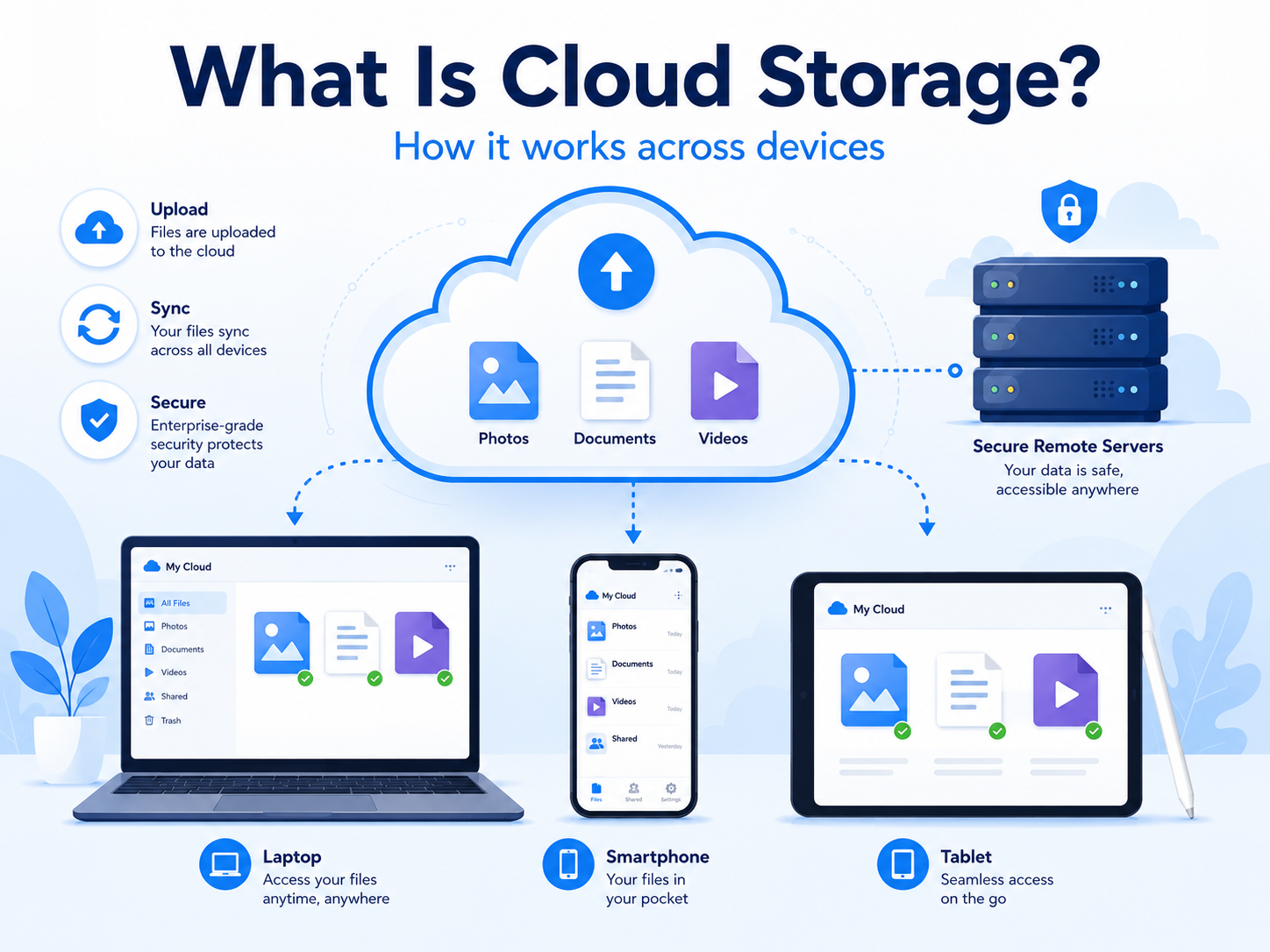
Cloud storage is a service that allows you to save your files on remote servers instead of keeping everything only on your phone, laptop, or computer. These servers are managed by cloud service providers and can usually be accessed through the internet.
When you upload a photo, document, video, or other file to cloud storage, a copy of that file is stored on the provider’s servers. You can then access it from another device by signing in to the same account. This makes cloud storage useful for people who regularly switch between phones, laptops, tablets, or computers.
Popular cloud storage services often include apps that automatically sync selected files. For example, photos taken on your phone may be uploaded automatically so they are available from your computer later.
Cloud storage is different from local storage because your files are not limited to a single physical device. If your phone is lost or your laptop stops working, files that were safely synced to the cloud may still be available.
However, cloud storage depends on your account security and internet access. It is best viewed as a convenient way to store, sync, and access files, rather than as a perfect replacement for every type of backup.
2. Main Benefits of Using Cloud Storage
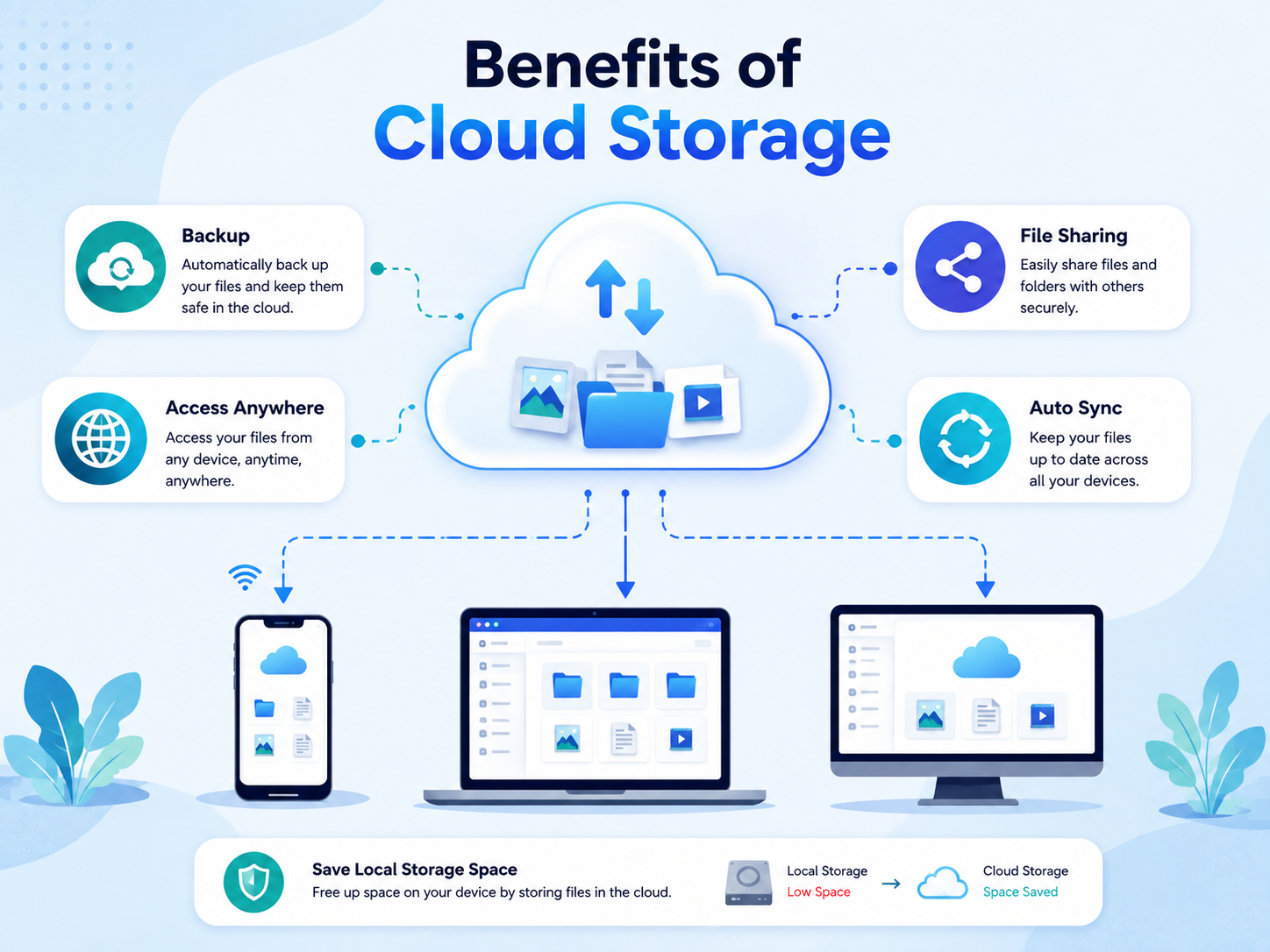
Cloud storage offers several practical benefits for everyday users. One of the biggest advantages is convenience. Instead of carrying files on a USB drive or keeping separate copies on multiple devices, you can access the same files from your phone, laptop, or browser.
Another useful benefit is backup. If important photos, documents, or other files are synced to cloud storage, you may still be able to access them even if your device is damaged, lost, or replaced.
Cloud storage also makes file sharing easier. Many services allow you to create a link to a file or folder and share it with another person. This can be useful for work documents, school projects, family photos, or large files that are difficult to send by email.
Automatic synchronization is another advantage. Changes made to a file on one device can often be updated across your other devices automatically.
Cloud storage can also help reduce pressure on local storage. Instead of keeping every large file on your phone or laptop, you can move less frequently used files to the cloud.
Despite these advantages, you should still keep a separate backup of extremely important files. Cloud storage is convenient, but accidental deletion, account problems, or service issues can still happen.
3. How Safe Is Cloud Storage?
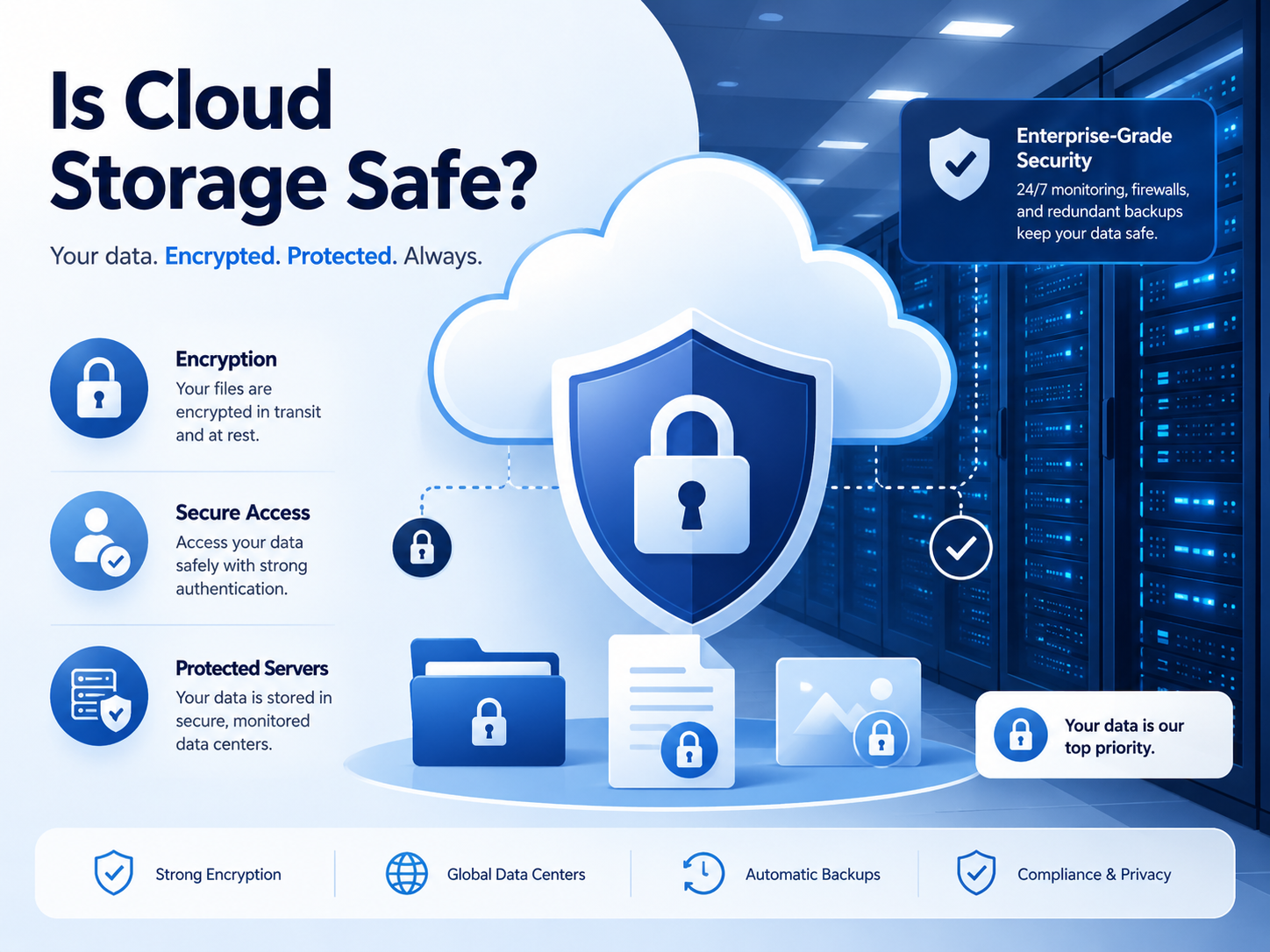
Cloud storage can be a safe way to keep personal files when it is used properly. Reputable cloud providers use multiple security measures to protect data, including encryption, secure data centers, access controls, monitoring systems, and account protection features.
Encryption helps protect your files while they are being transferred over the internet and while they are stored on servers. This makes it much harder for unauthorized people to read your data without the correct access.
Large cloud providers also invest heavily in physical security and server protection. Their data centers may use restricted access, backup power, monitoring, and other safeguards that most individual users could not easily create at home.
However, cloud storage is not completely risk-free. In many cases, the biggest weakness is not the cloud server itself but the user account. If someone steals your password through phishing or another scam, they may be able to access your stored files.
The level of privacy can also vary between providers and services. Some files may be protected differently depending on the type of encryption used.
For most normal personal files, a trusted cloud provider combined with a strong password and two-factor authentication can offer good security. Extremely sensitive information may need additional protection, such as local encryption or offline backups.
4. Risks and Privacy Concerns You Should Know
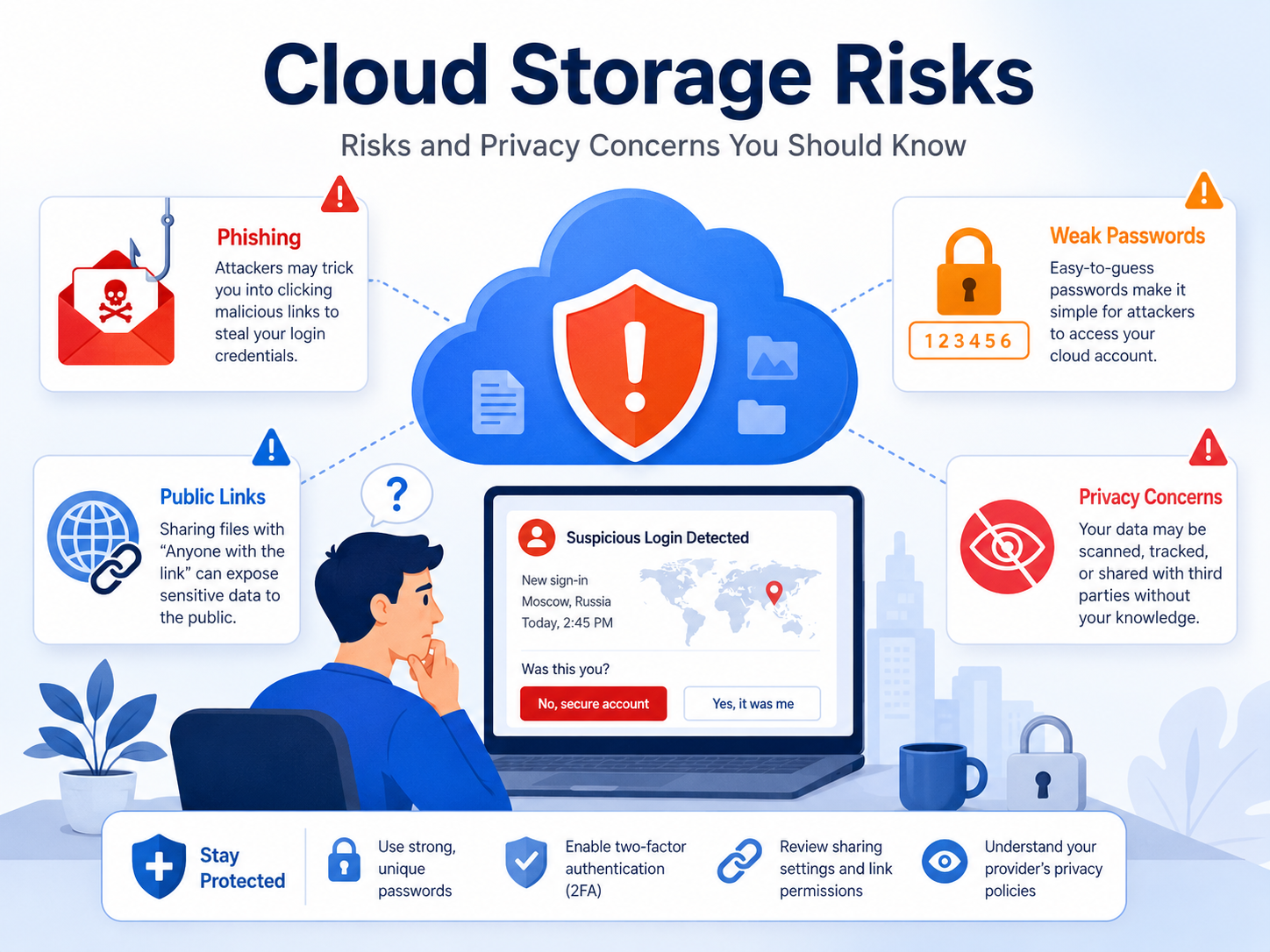
Cloud storage is convenient, but there are some risks and privacy concerns that users should understand before uploading important files.
One common risk is account theft. If you use a weak password or reuse the same password on multiple websites, someone who obtains those credentials may be able to sign in to your cloud account.
Phishing is another major threat. Scammers may send fake emails or messages that look like they came from a cloud provider and ask you to log in through a fraudulent website.
File sharing can also create privacy problems. A public or incorrectly configured sharing link may allow people to access files that were meant to remain private. Always review who can view or edit a shared file.
Accidental deletion is another concern. If a synced file is deleted from one device, that deletion may also be reflected in the cloud. Some services offer recovery options, but they may not keep deleted files forever.
You should also think carefully before uploading highly sensitive documents such as identity records, financial information, or private business files.
Cloud storage can still be very useful, but it should be used thoughtfully. Understanding how sharing, account access, and syncing work can help you avoid many common problems.
5. Best Ways to Keep Your Cloud Files Secure
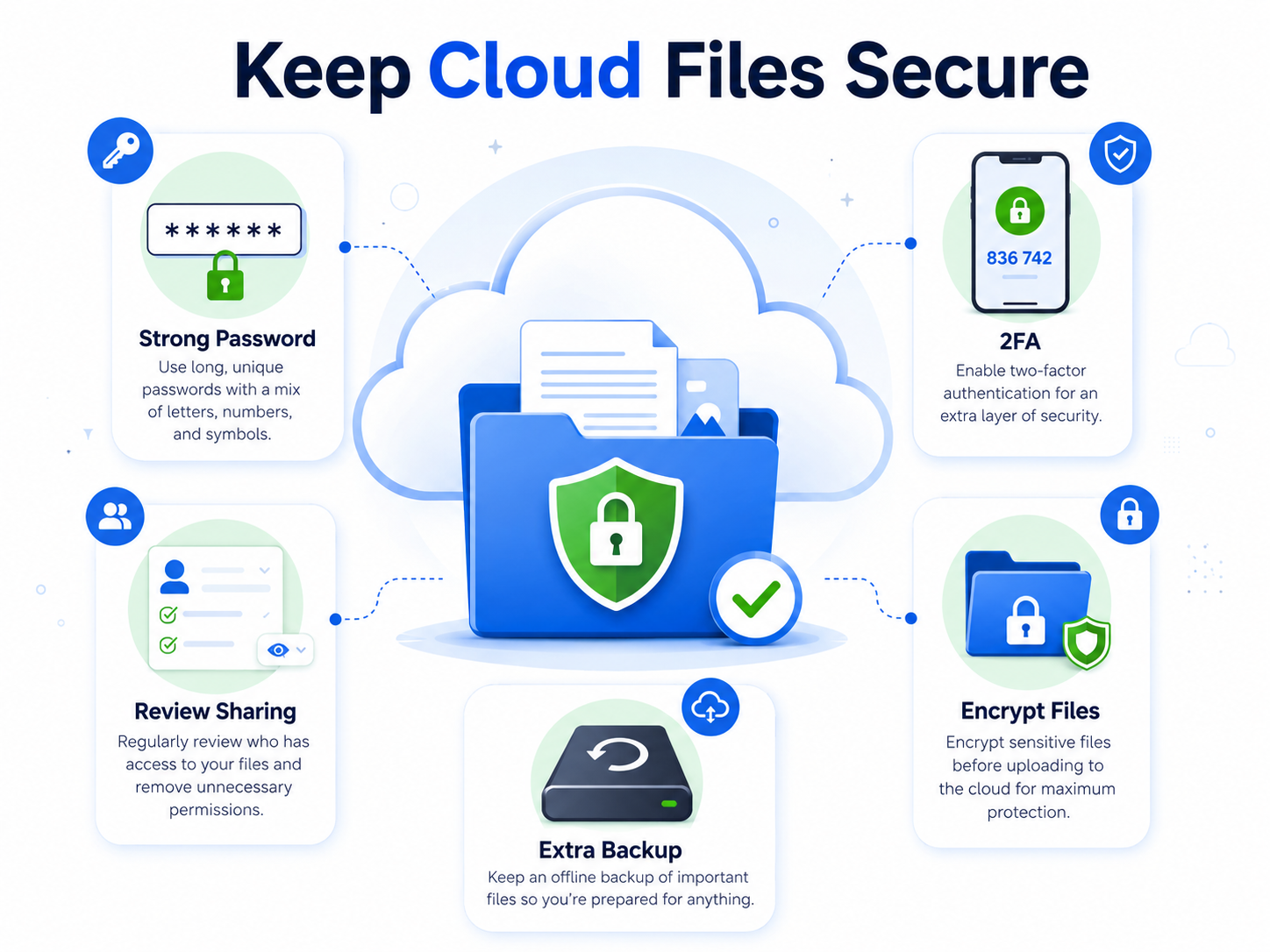
A few simple security habits can make cloud storage much safer. Start by using a strong and unique password for your cloud account. Do not reuse the same password you use for email, social media, or other websites.
Enable two-factor authentication whenever the service supports it. This adds another verification step and can help protect your account even if your password is exposed.
You should also review file-sharing permissions regularly. Remove old public links and make sure sensitive files are shared only with people who actually need access.
Keep your phone, computer, browser, and cloud storage apps updated. Security updates often fix known vulnerabilities that could otherwise put your information at risk.
For highly sensitive files, consider encrypting them before uploading them to the cloud. This adds another layer of protection because the file itself remains protected even if someone gains access to the storage account.
It is also important to keep another copy of valuable files. A local external drive or another trusted backup location can protect you if files are accidentally deleted or your cloud account becomes unavailable.
Finally, stay alert for phishing messages. Always open your cloud service through the official app or website instead of clicking unexpected login links.
Disclaimer
The information provided in this article is for general educational and informational purposes only. Cloud storage security, privacy features, encryption methods, storage limits, and account protection options may vary depending on the service provider you use.
Always review the privacy policy, security settings, sharing permissions, and backup options of your chosen cloud storage service before uploading important or sensitive files. For highly confidential data, consider using additional encryption and keeping an offline backup as well.
We are not responsible for data loss, unauthorized access, privacy issues, account problems, or other damages that may occur while using cloud storage services. If you are storing sensitive personal, financial, business, or legal information, consider seeking professional security advice and use trusted providers with strong account protection features.