Protecting your online accounts does not require complicated technical knowledge. A few smart habits can make a big difference. Use strong and unique passwords for every important account, and enable two-factor authentication whenever it is available. Always check suspicious emails, messages, and website links before entering personal information. Never share your passwords, OTPs, PINs, or recovery codes with anyone, even if they claim to be from customer support. Keep your phone, computer, browser, and apps updated, and regularly review your account activity for unknown devices or login attempts. Staying alert is one of the best defenses against phishing and online scams.
1. Use Strong and Unique Passwords for Every Account
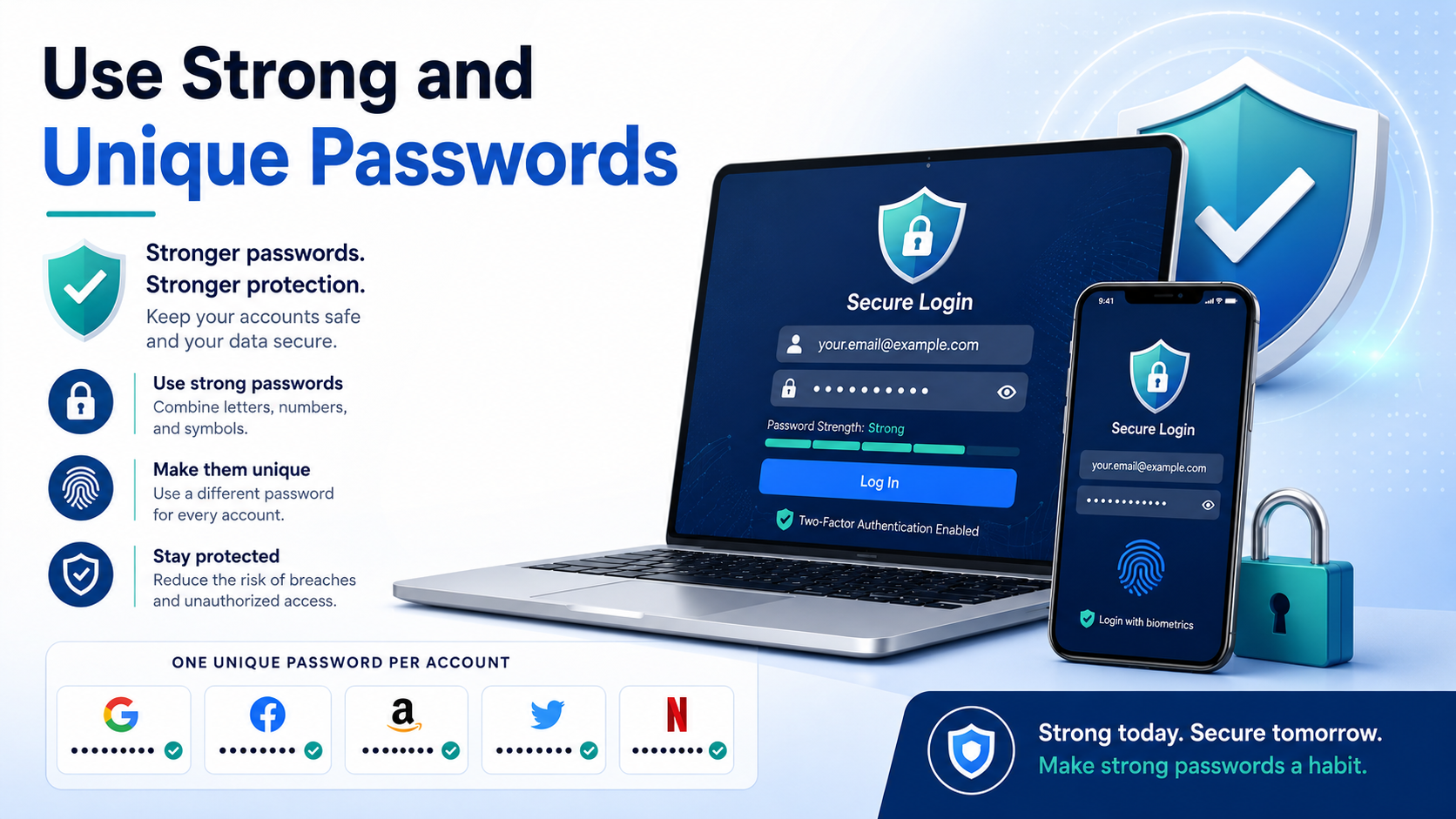
Using the same password for multiple accounts may feel convenient, but it can create a serious security risk. If one website suffers a data breach and your password is exposed, attackers may try the same login details on your email, social media, banking, or shopping accounts.
A strong password should be difficult to guess and should not contain simple information such as your name, birthday, phone number, or common words. Longer passwords are usually better, especially when they include a mix of letters, numbers, and symbols.
Most importantly, use a different password for every important account. This way, even if one password is compromised, your other accounts are still protected.
Remembering many unique passwords can be difficult, so a trusted password manager can help. Password managers can create strong passwords and securely store them for you, reducing the need to memorize everything.
You should also change a password immediately if you receive a security warning or believe that an account may have been compromised.
Good password habits may seem basic, but they are one of the most effective ways to protect your online accounts from scams, credential theft, and unauthorized access.
2. Enable Two-Factor Authentication (2FA)
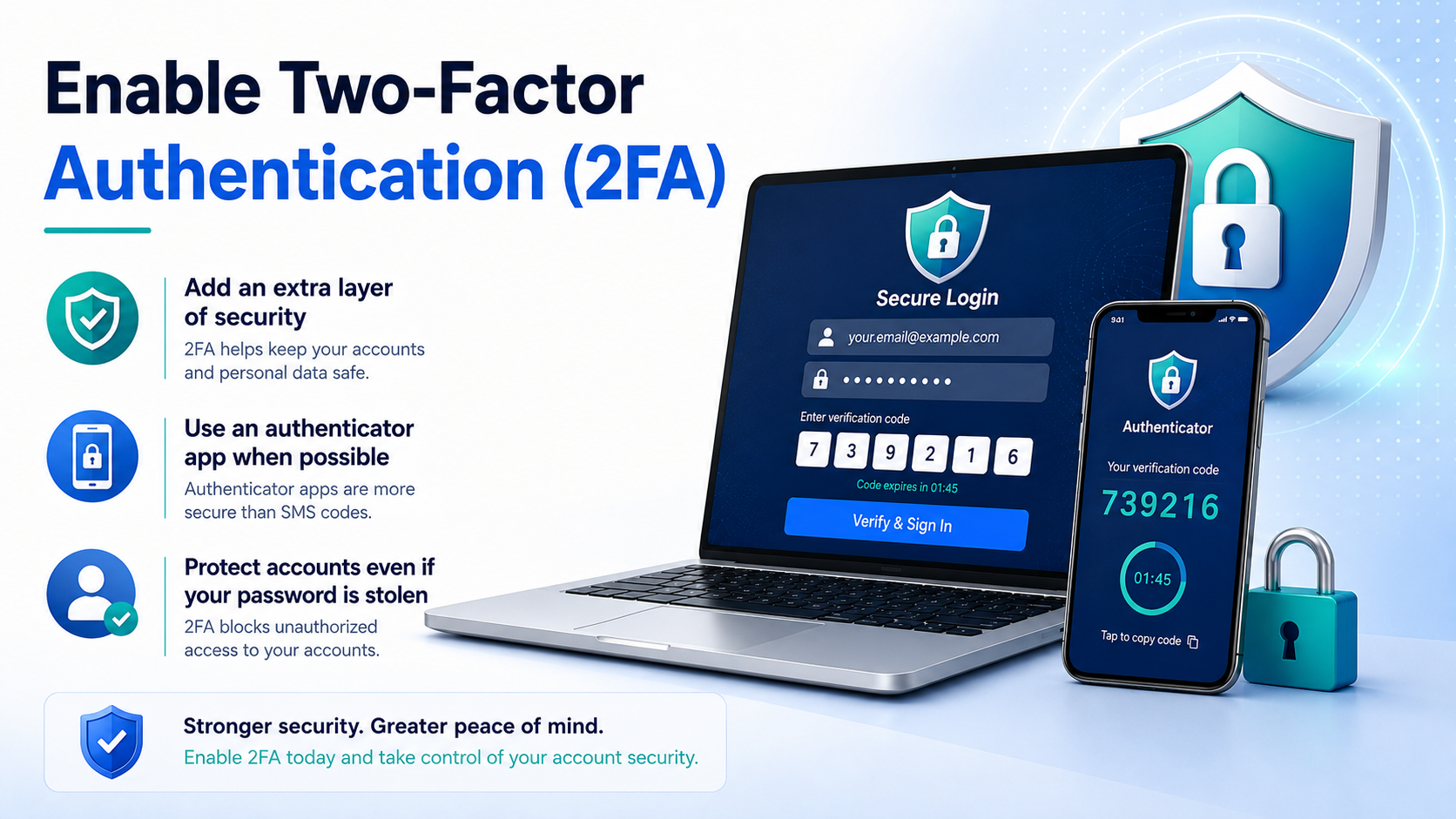
Two-factor authentication, commonly known as 2FA, adds an extra layer of protection to your online accounts. Instead of relying only on a password, 2FA requires another form of verification before allowing someone to sign in.
For example, after entering your password, you may be asked to enter a code from an authenticator app or approve a login request on another trusted device. This means that even if someone steals your password, they may still be unable to access your account.
Many email services, social media platforms, banking apps, and cloud services support 2FA. You can usually find the option inside the Security or Account Settings section.
Authenticator apps are often a stronger choice than SMS codes because text messages can sometimes be targeted through SIM-related attacks. Some services also support physical security keys, which can provide even stronger protection.
When you enable 2FA, save your backup or recovery codes somewhere secure. These codes can help you regain access if you lose your phone or authenticator app.
Two-factor authentication is not perfect, but it significantly improves account security and should be enabled on important accounts whenever possible.
3. Learn to Recognize Phishing Emails, Messages, and Fake Websites
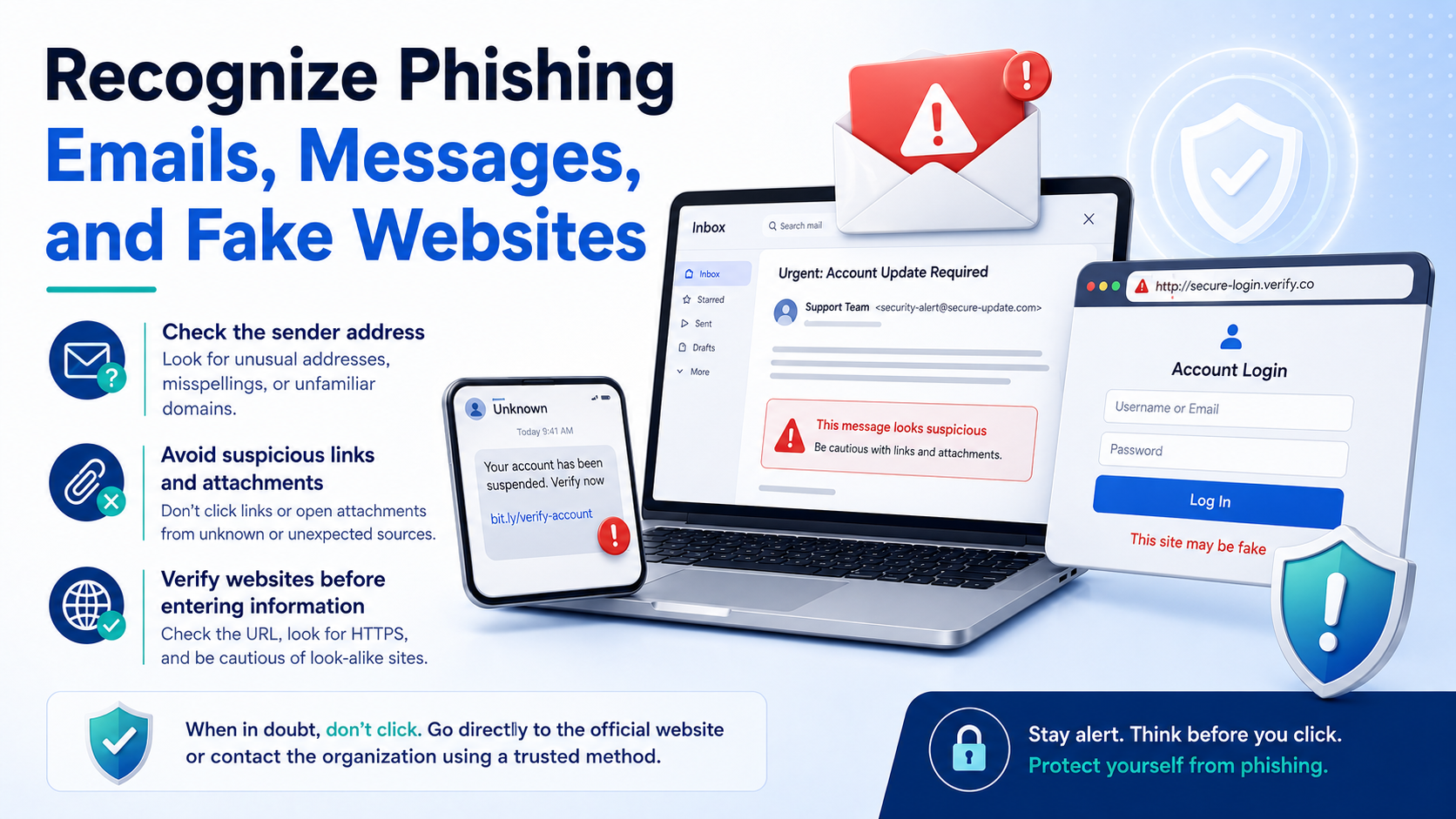
Phishing is one of the most common methods scammers use to steal passwords, financial information, and personal details. These scams often appear as emails, text messages, or social media messages that look like they came from a trusted company.
A phishing message may claim that your account will be suspended, a payment has failed, or you have won a prize. Scammers often create a sense of urgency so that you click a link without thinking carefully.
Before clicking anything, check the sender’s email address or phone number. A message may display a familiar company name while actually coming from an unrelated address.
You should also be careful with links. Fake websites can look almost identical to real login pages. Check the website address carefully before entering your password or payment details.
Spelling mistakes, strange formatting, unexpected attachments, and requests for sensitive information can also be warning signs.
If you receive a suspicious message from a company, avoid using the link inside the message. Instead, open the company’s official app or type its website address directly into your browser.
Taking a few extra seconds to verify a message can prevent account theft and other serious problems.
4. Never Share OTPs, Passwords, or Recovery Codes
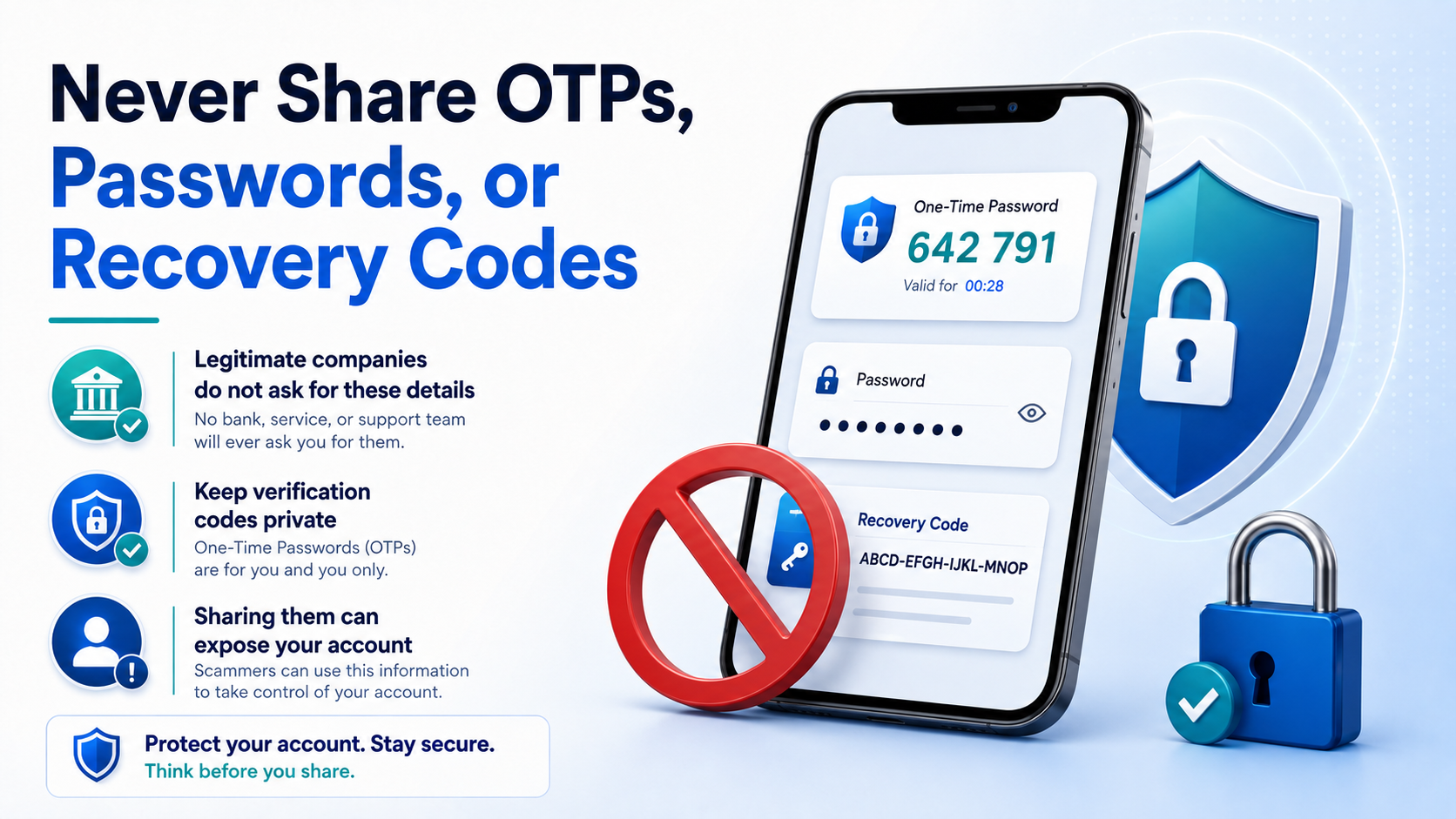
One of the simplest rules of online security is to never share your password, one-time password (OTP), PIN, or account recovery code with another person. These details are designed to prove that you are the real account owner.
Scammers may pretend to be bank employees, customer support agents, delivery companies, government officials, or representatives of popular online services. They may claim that they need your OTP to cancel a payment, verify your account, or process a refund.
In reality, sharing an OTP or recovery code can give someone access to your account or allow them to complete a transaction.
You should also be careful if someone contacts you unexpectedly and asks for screenshots of security messages. A screenshot may contain verification codes or other information that should remain private.
Legitimate companies generally do not need you to send your password or private verification codes through chat, email, or phone calls.
If you receive such a request, stop the conversation and contact the company using its official website, app, or customer support number.
Treat passwords, OTPs, PINs, and recovery codes like digital keys. Once someone else has them, they may be able to enter your account.
5. Keep Devices Updated and Review Account Activity
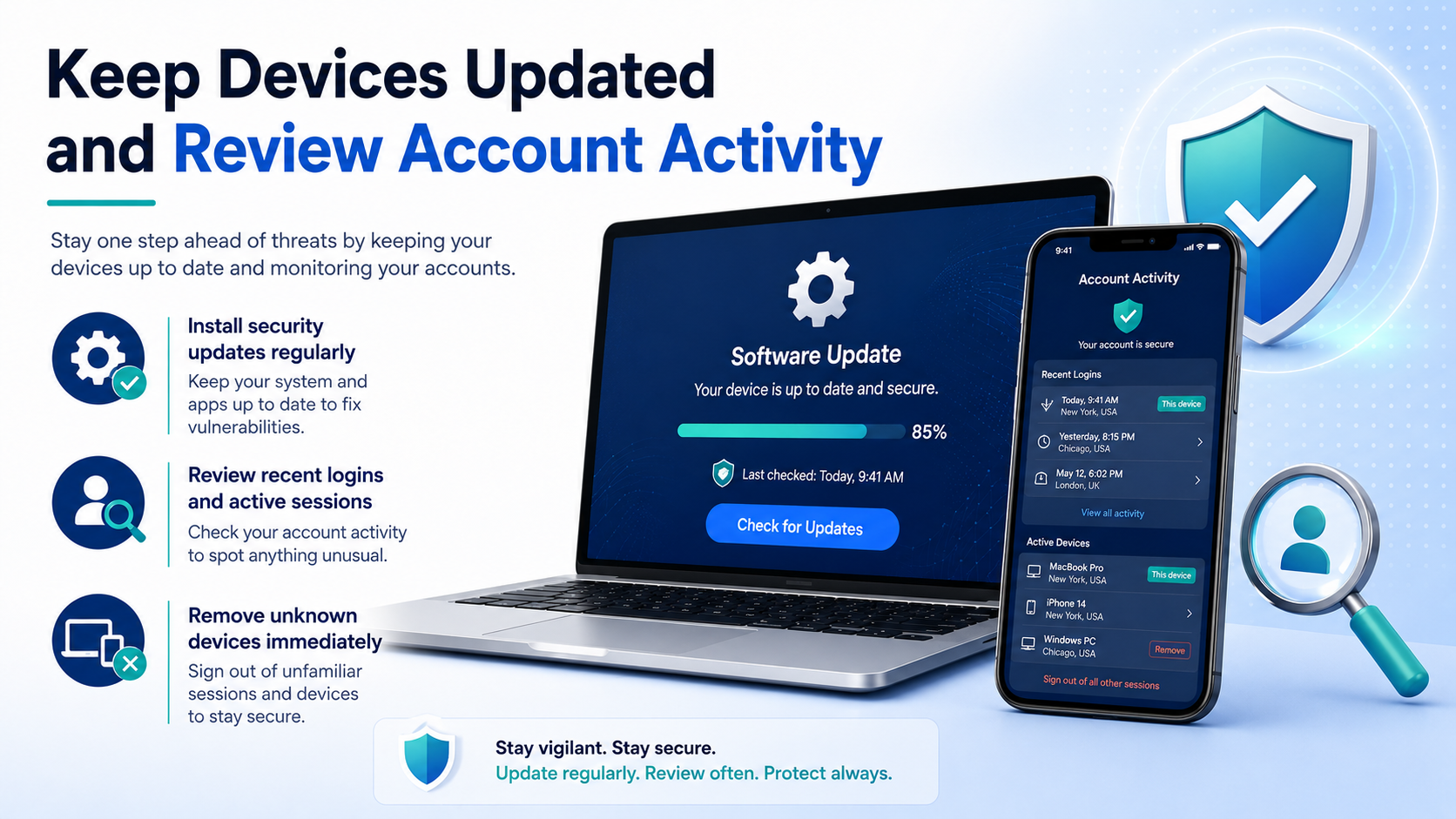
Keeping your devices and apps updated is an important part of protecting your online accounts. Software updates often include security fixes that address known vulnerabilities. Ignoring updates for a long time can leave your device exposed to problems that have already been fixed in newer versions.
Make sure your phone, computer, web browser, and important apps receive regular updates. Whenever possible, enable automatic updates so you do not have to check manually.
You should also review account activity from time to time. Many services allow you to see recent login locations, connected devices, and active sessions. If you notice a device or location you do not recognize, sign it out immediately and change your password.
Check that your recovery email address and phone number are still correct. These details are important if you ever lose access to your account.
Pay attention to security alerts as well. Unexpected password-reset emails or login notifications may indicate that someone is trying to access your account.
Regularly reviewing your security settings only takes a few minutes, but it can help you detect suspicious activity early and prevent a small issue from becoming a serious account compromise.
Disclaimer
The information provided in this article is intended for general educational and informational purposes only. Online threats, phishing methods, security features, and account recovery procedures can vary between websites, apps, devices, and service providers.
Always follow the official security recommendations provided by the company or service you use. If you believe an important account has been compromised, contact the relevant service provider through its official support channels.
This article does not provide professional cybersecurity, financial, or legal advice. We are not responsible for losses, account problems, or other issues resulting from actions taken based on this information.