A CPU is the main processor that handles instructions, calculations, apps, and background tasks in a computer. Its performance depends on factors such as cores, threads, clock speed, cache, and processor generation. More cores can improve multitasking, while higher clock speeds may help with faster task processing. The CPU also affects gaming, everyday responsiveness, and professional workloads. Proper cooling is important because overheating can reduce performance. Before upgrading, always check motherboard compatibility, power requirements, and whether your system actually supports a newer processor.
1. What Is a CPU and What Does It Do?
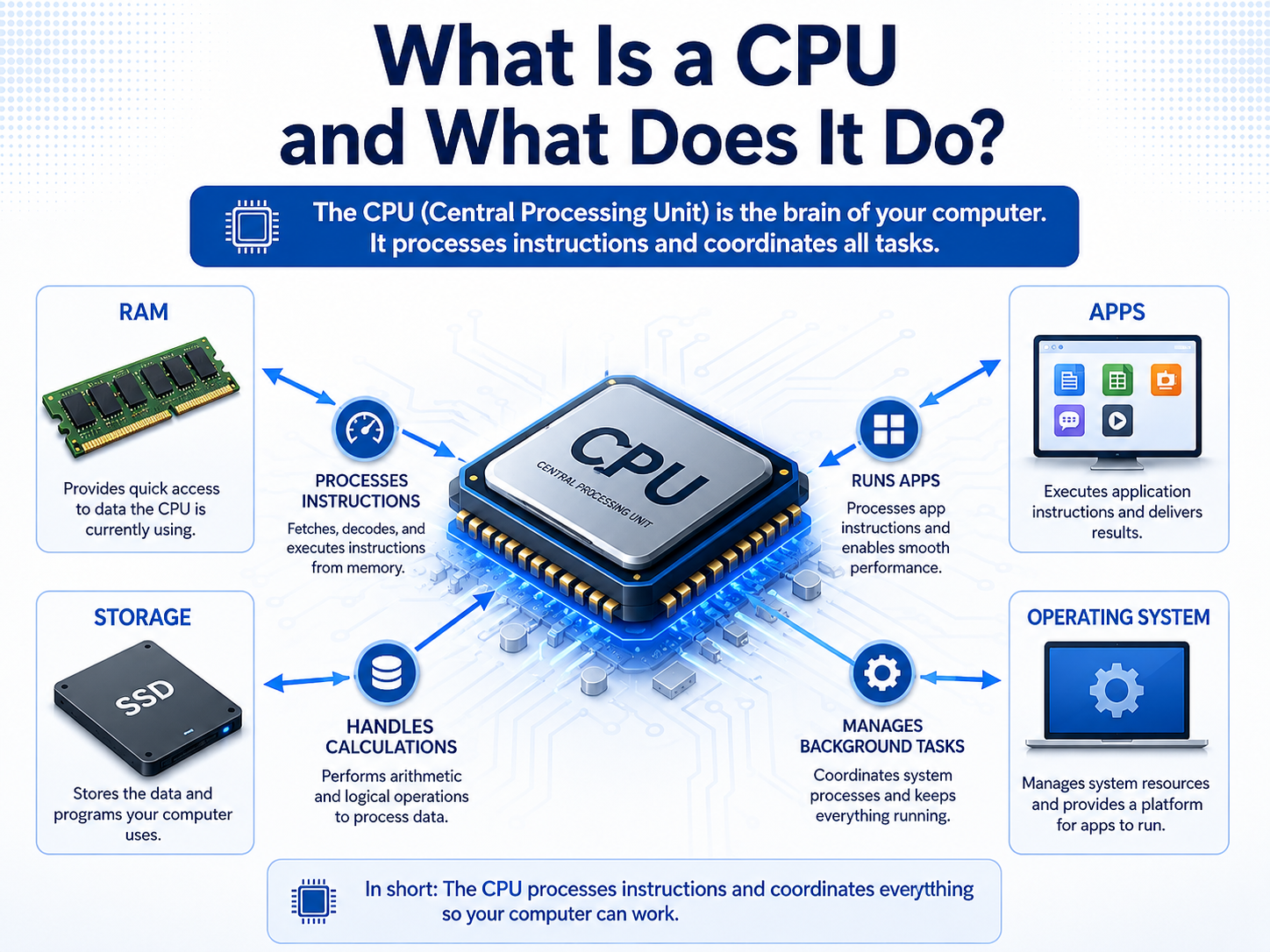
CPU stands for Central Processing Unit. It is one of the most important components inside a computer because it processes instructions and helps different parts of the system work together. Whenever you open an application, browse the internet, edit a document, play a game, or perform a calculation, the CPU is involved in handling those instructions.
You can think of the CPU as the main decision-making unit of the computer. It receives instructions from software, processes the required information, and sends results to other components such as RAM, storage, and the graphics system. This happens extremely quickly, often billions of times every second.
The CPU also manages many background activities. Even when you are not actively opening programs, your operating system may be running security services, updates, notifications, and other processes that require CPU resources.
A faster CPU can make a computer feel more responsive, but performance does not depend on the processor alone. RAM, storage speed, graphics hardware, cooling, and software optimization also play important roles.
Different CPUs are designed for different needs. A basic processor may be enough for browsing, office work, and video streaming, while gaming, video editing, programming, and professional applications may benefit from a more powerful CPU.
Understanding what the CPU does can help you choose a computer that matches your workload instead of simply buying the most expensive processor available.
2. CPU Cores and Threads Explained
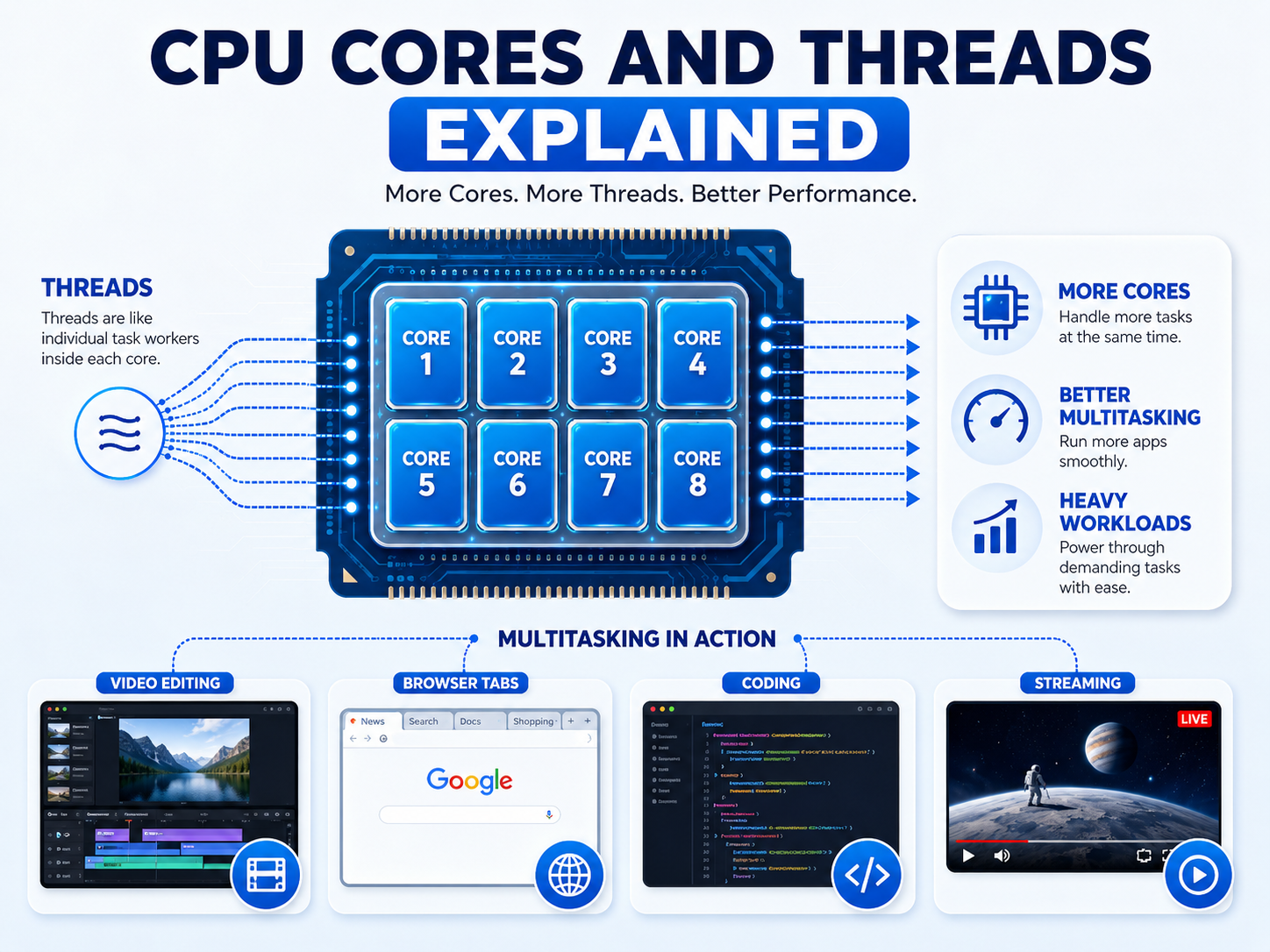
Modern CPUs contain multiple processing cores. A core is like an individual processing unit inside the CPU that can work on instructions independently. Having more cores allows the computer to handle several tasks more efficiently, especially when software is designed to use multiple cores.
For example, imagine you are editing a video while keeping several browser tabs open and running a music application in the background. A processor with multiple cores can divide these tasks between different cores instead of forcing one core to handle everything.
Threads are another important part of CPU performance. A thread represents a sequence of instructions that a CPU core can process. Some processors can handle more than one thread per core, allowing them to work on additional tasks more efficiently.
More cores and threads can be especially useful for video editing, 3D rendering, software development, streaming, and other demanding workloads. However, simply having more cores does not automatically make every program faster. Some applications rely more heavily on the performance of a single core.
For normal browsing, office work, and everyday computer use, you may not need an extremely high core count. Gaming can benefit from multiple cores, but the graphics card and single-core performance are also important.
When comparing processors, look at the complete picture instead of focusing only on the number of cores or threads. Architecture, clock speed, cache, software support, and power efficiency all affect real-world performance.
Choosing the right balance of cores and threads can help your computer handle your normal workload smoothly without paying for processing power you may never use.
3. Clock Speed and Why It Matters
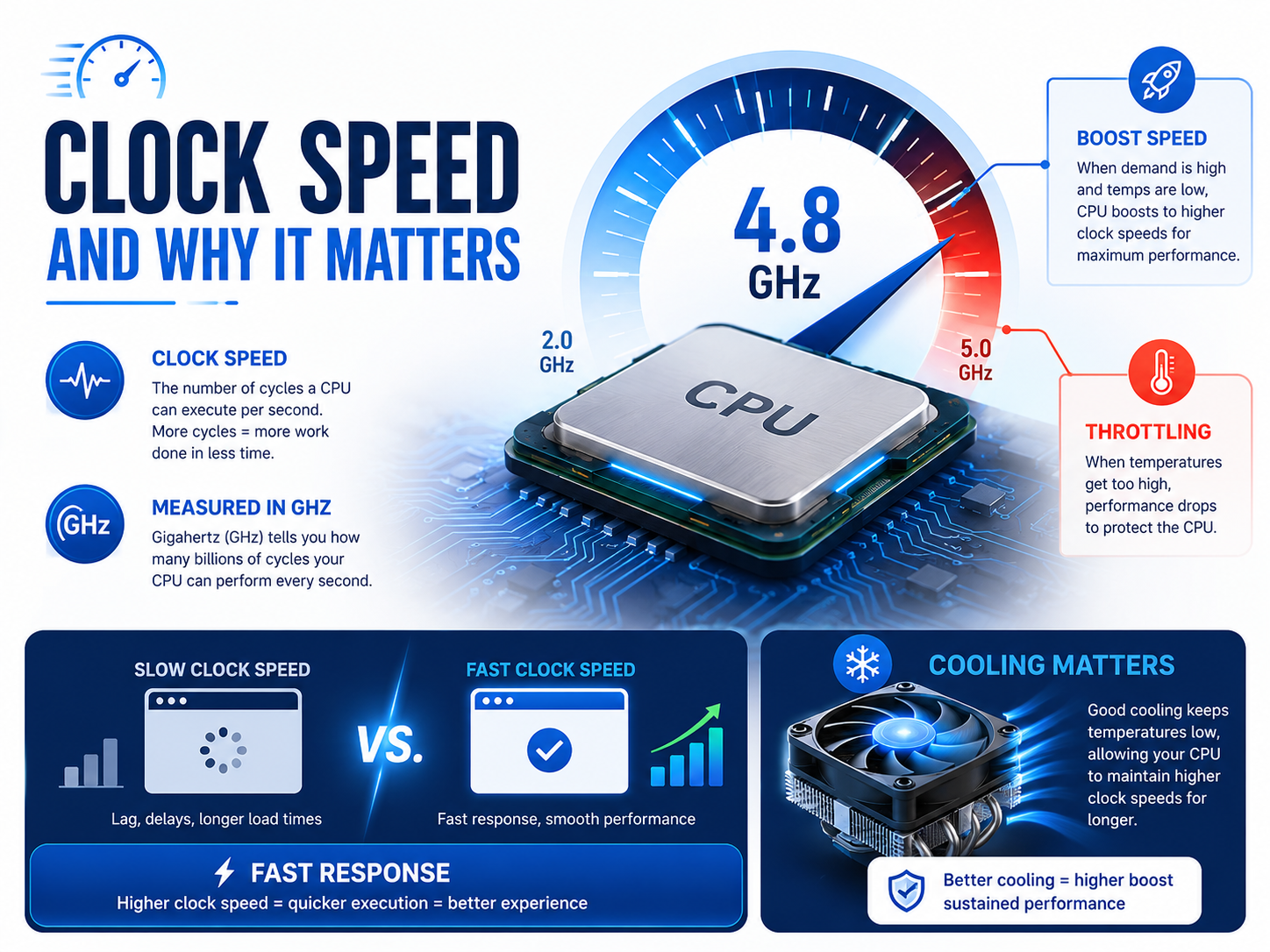
CPU clock speed is usually measured in gigahertz, or GHz. It gives you an idea of how quickly the processor can perform cycles of work. For example, a CPU running at 4 GHz can perform billions of clock cycles every second.
Higher clock speeds can improve performance in applications that depend heavily on one or a few processor cores. This can affect how responsive certain programs feel, how quickly some calculations are completed, and how well some games perform.
However, comparing CPUs only by GHz can be misleading. A newer processor running at a lower clock speed may still outperform an older processor with a higher clock speed because of improvements in architecture and efficiency.
Modern processors also use technologies that automatically adjust their clock speed. When the computer is performing light tasks, the CPU may reduce its speed to save power and lower heat. During demanding workloads, it may temporarily increase its clock speed to provide extra performance.
Cooling also affects how long a processor can maintain higher speeds. If a CPU becomes too hot, it may lower its clock speed to protect itself. This process is often called thermal throttling.
This is why clock speed should be treated as only one part of CPU performance. Core count, architecture, cache size, cooling, and software optimization all matter as well.
When comparing processors, benchmarks that test real applications are often more useful than simply comparing GHz numbers.
A well-balanced processor with good efficiency and cooling can provide better real-world performance than a CPU that looks faster only on paper.
4. How CPU Affects Gaming and Everyday Performance
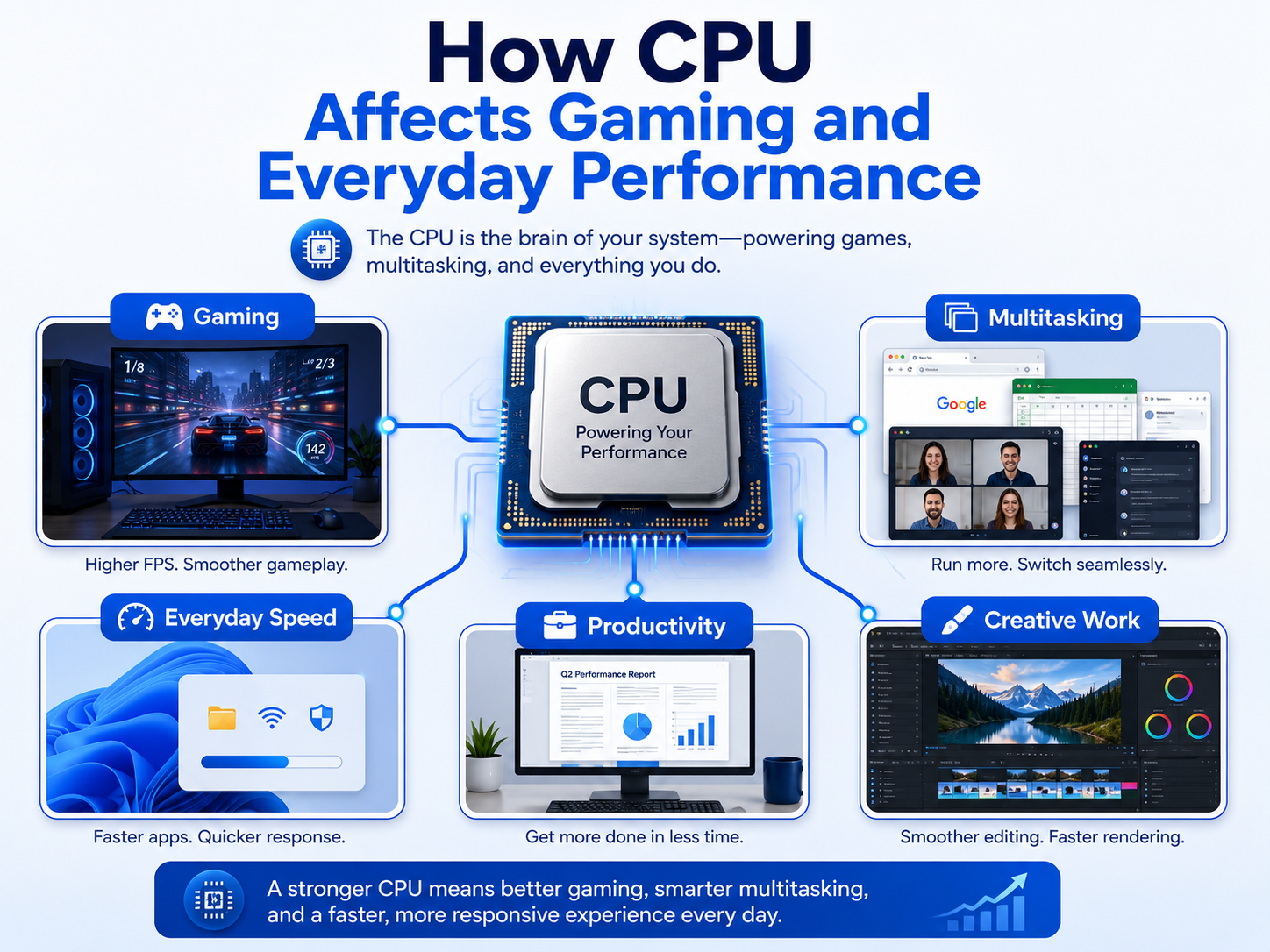
The CPU has a major effect on how responsive your computer feels during everyday use. Activities such as opening applications, browsing websites, multitasking, video conferencing, file compression, and running background programs all depend on processor performance.
A capable CPU can make it easier to switch between applications without noticeable delays. It can also help heavy websites load smoothly, reduce stuttering during multitasking, and improve performance in productivity software.
In gaming, the CPU is responsible for processing tasks such as game logic, artificial intelligence, physics, input commands, and communication with the graphics card. If the processor cannot keep up with the game, it may limit frame rates even if you have a powerful GPU.
This situation is sometimes described as a CPU bottleneck. It can be more noticeable in competitive games that run at high frame rates or in games with complex simulations and large numbers of objects.
However, gaming performance does not depend only on the CPU. The graphics card often has a larger impact on visual quality and frame rates, especially at higher resolutions.
Professional software can also benefit from a powerful processor. Video editing, code compilation, photo processing, file compression, and 3D work may complete faster with a suitable CPU.
The best processor depends on your actual use. A basic user does not need the same CPU as someone editing 4K video or playing demanding games.
Choosing a processor that matches your workload can provide smoother performance while avoiding unnecessary spending on hardware that you may not fully use.
5. CPU Generation, Cache, Cooling, and Upgrade Considerations
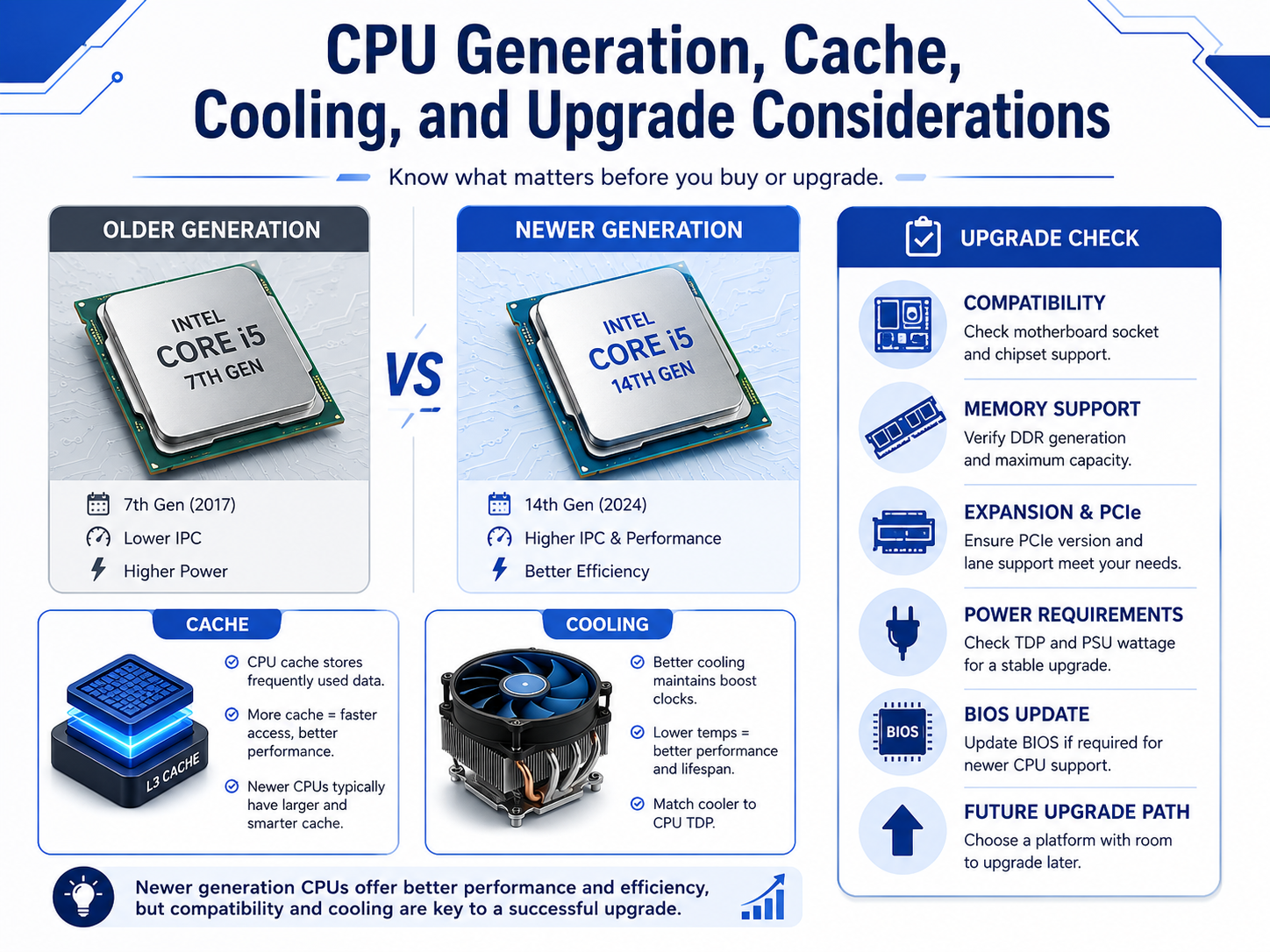
When choosing or upgrading a CPU, there are several factors to consider beyond clock speed and core count. One important factor is processor generation. Newer CPU generations often introduce improvements in performance, power efficiency, security, and supported features.
Cache memory is another important part of the processor. CPU cache is very fast memory located close to the processing cores. It stores frequently used data so the CPU can access it faster instead of repeatedly waiting for slower system memory. Different processors have different amounts and types of cache, which can affect performance in some workloads.
Cooling is equally important. CPUs generate heat while working, especially during gaming, rendering, or other demanding tasks. If the cooling system cannot remove heat effectively, the processor may reduce its performance to prevent damage.
Desktop users should make sure the CPU cooler and case airflow are suitable for the processor. Laptop users have less control over cooling, so reviews of temperature and sustained performance can be useful when choosing a system.
Compatibility is also essential when upgrading. A new processor must match the motherboard socket, chipset, BIOS support, memory configuration, and power requirements. You usually cannot install any CPU into any motherboard.
Laptop CPU upgrades are even more limited because many modern laptops have processors permanently attached to the motherboard.
Before purchasing a CPU, check the official specifications of your system and consider your actual workload.
A newer or more expensive CPU is not automatically the best choice. The ideal processor is one that offers the right balance of performance, compatibility, power consumption, cooling, and price for your needs.
Disclaimer
The information provided in this article is for general educational and informational purposes only. CPU performance can vary depending on the processor model, computer configuration, cooling system, motherboard, RAM, storage, graphics hardware, operating system, and software being used.
Before upgrading or replacing a processor, always check your motherboard socket, chipset, BIOS support, power requirements, cooling compatibility, and manufacturer specifications. Installing incompatible hardware or making incorrect changes may cause system instability or hardware problems.
We are not responsible for data loss, component damage, overheating, compatibility issues, or other problems that may occur while following the information in this guide. If you are unsure about installing or upgrading a CPU, consider getting help from your device manufacturer or a qualified computer technician.